Investigate Interface
Use the Investigate interface to quickly view recent events in a centralized location. You can investigate either Production events or Archive events. Any protection applied at the Policy folder-level limits the data. See the Policies Interface topic for additional information on the protection feature.
Click Investigate in the left pane to launch the Investigate interface.
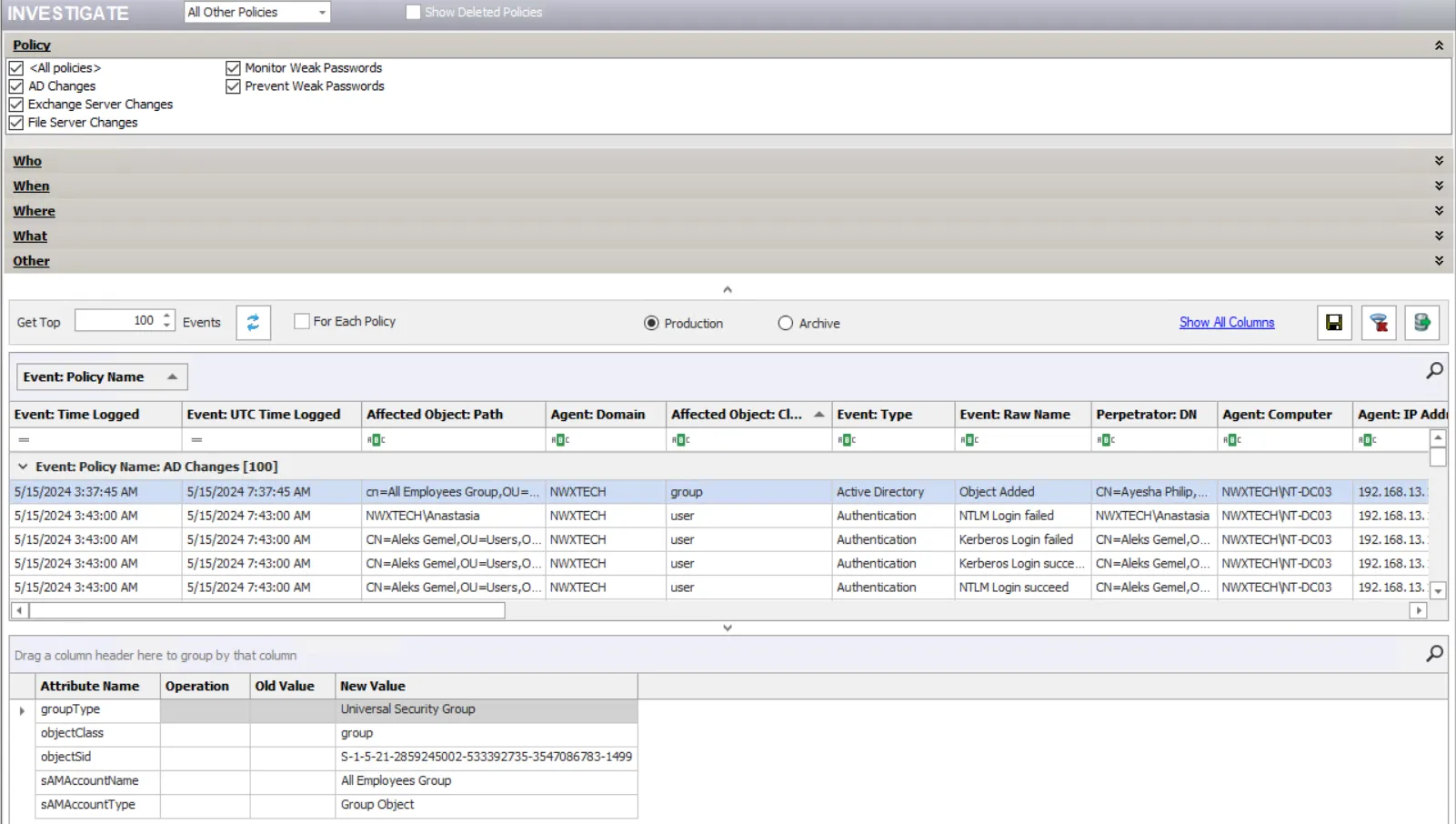
Next to the Investigate title, use the dropdown menu to select LDAP Policies or All Other Policies to show in the data grid. Select the Show Deleted Policies checkbox to view deleted policies too.
The top section of the window provides filtering options. See the Investigate Filters topic for additional information. The bottom section displays the recent events.
For an understanding of the data displayed in the grid, see the Investigate Data Grid topic.