Trigger a Playbook Manually
If a playbook is configured to be allowed for a threat, a Threat Response button appears on the allowed threat.
To trigger a playbook manually:
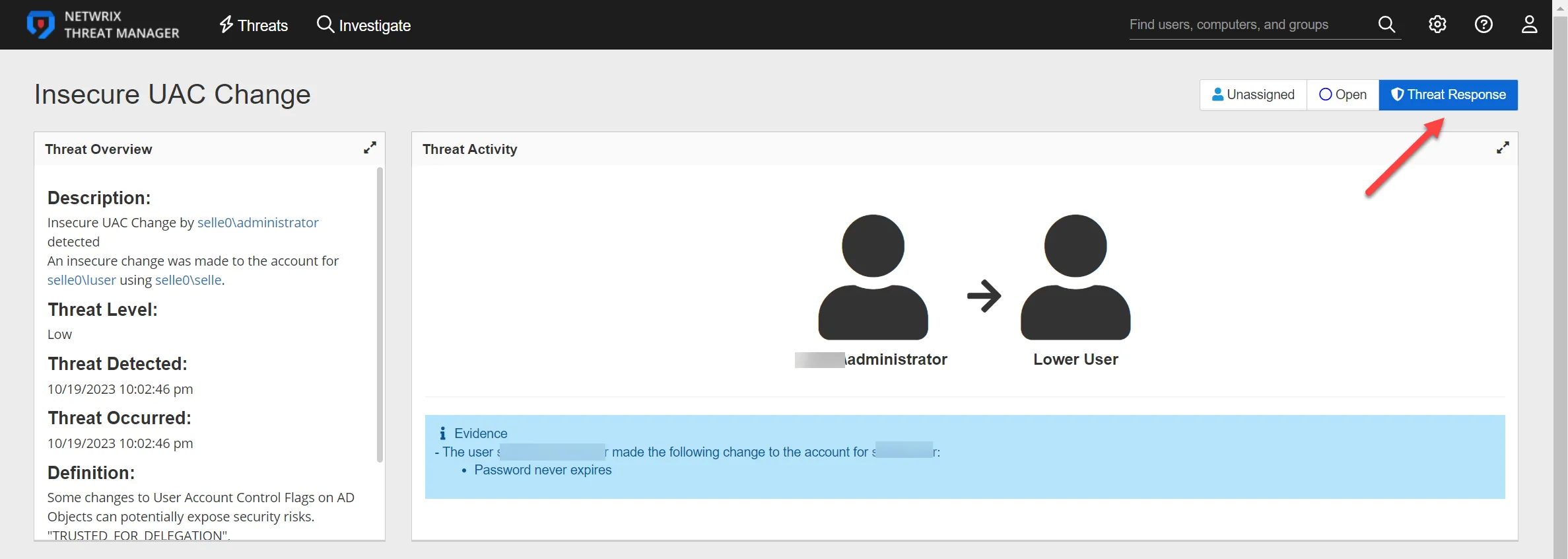
Step 1 – Navigate to the Threat Details Page for a user with a threat type associated with a playbook.
Step 2 – Click the Threat Response button. The Threat Response window opens. Use this window to respond to the threat by selecting a playbook from the dropdown. The window also provides a description of the playbook, the status, and the timestamp for when the playbook was last executed.
Step 3 – Click Execute to execute the playbook.
After the playbook runs, view the log file on the Threat Response page in the Playbooks Execution History table.