Navigation
At the top of the Privilege Secure Console lists available in interfaces and provides access to the Help link and the User Menu:
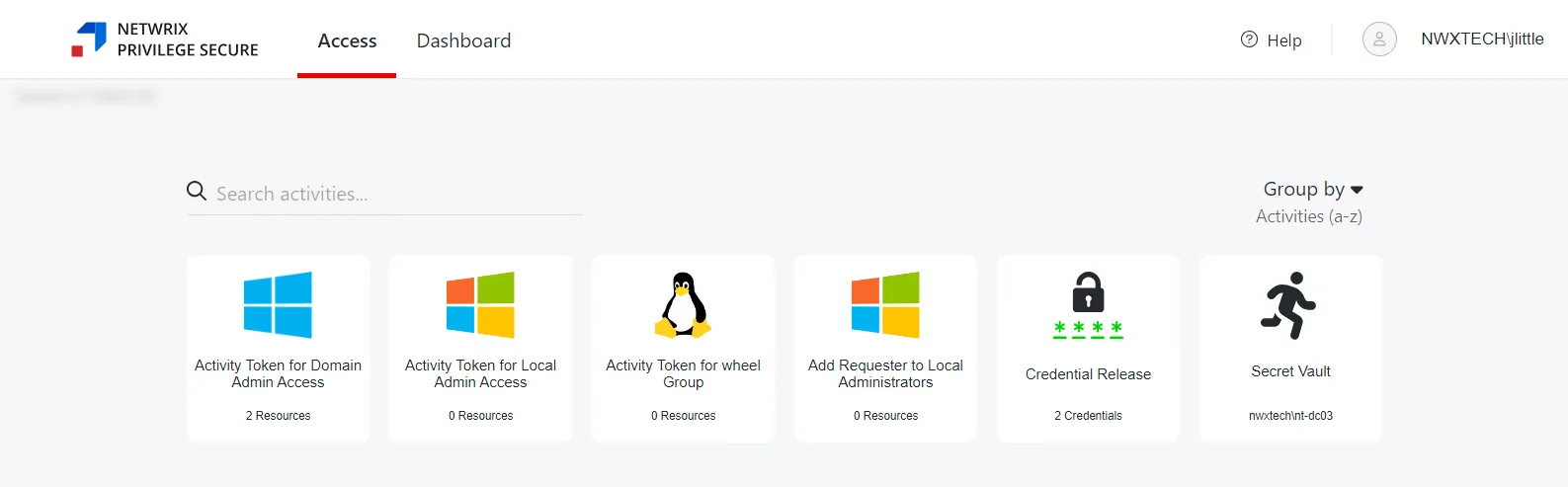
The buttons have these functions:
-
Interfaces:
-
Access — Grants access to the My Activities page. Activities are displayed as individual cards, organized alphabetically or by Access Policy. See the My Activities Page topic for additional information.
-
Dashboard — View summaries of recent activity logs and user sessions. See the Dashboard Interface topic for additional information.
-
Help — Opens the Netwrix Privilege Secure Documentation in the in another browser tab
-
User Name — Click to open the dropdown menu:
-
Dark Mode — Toggle “Dark Mode” for the console. Hover over the toggle switch to see a preview of Dark Mode.
-
Product Tour — Re-starts walk-through of Privilege Secure features. See the Product Tour topic for additional information.
-
Logout — Signs the user out of the current session and opens the Login screen
-
About — Shows version and license information for the console