Scheduled Tasks Page
On the Scheduled Tasks page, view scheduled tasks run by the console.
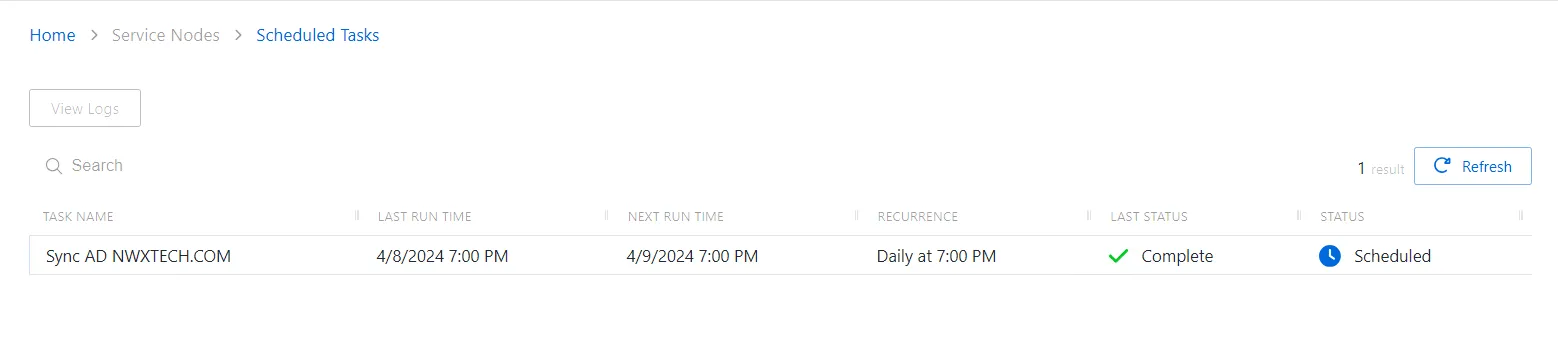
The Scheduled Tasks page has the following features:
-
Search — Searches the Task Name column to match the search string. When matches are found, the table is filtered to the matching results.
-
Column headers can be sorted by ascending or descending order:
-
Task Name — Name of the scheduled task
-
Last Run Time — Last run timestamp
-
Next Run Time — Indicates the next time the task is scheduled to run
-
Recurrence — Scheduled recurrence
-
Last Status — Status of scheduled task
-
View Logs button — Click to view logs for the selected task
-
Refresh – Reload the information displayed