Local Account Password Options Page
The Local Account Password Options page is accessible from the Navigation pane under Configuration > System Settings.
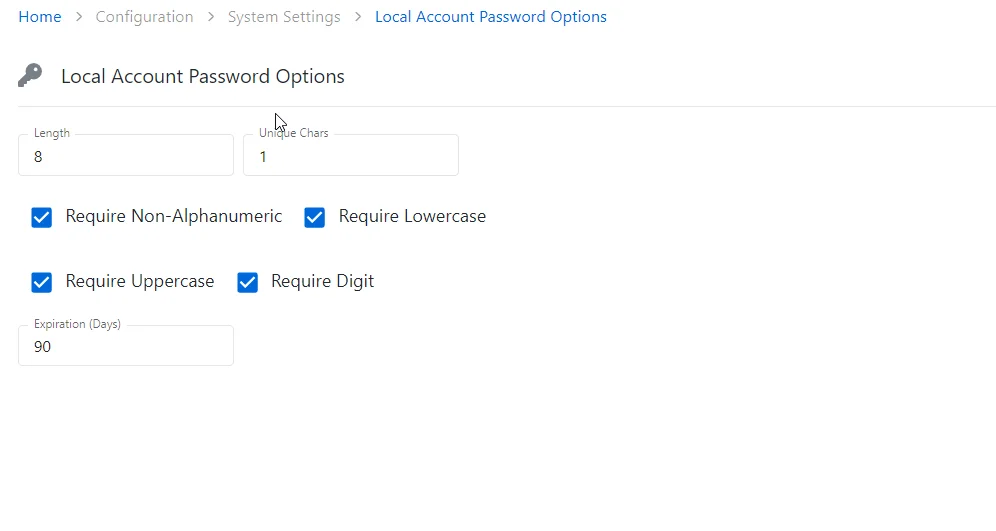
Provide the following information for the local accounts:
-
Length– This is a snippet
-
Unique Chars – Specify the number of the unique characters to include in the local account password
-
Configure the following requirements to the local account password:
-
Require Non-Alfanumeric
-
Require Lowercase
-
Require Uppercase
-
Require Digit
-
Expiration days – Provide the value of expiration days for the password