SIEM Service
The SIEM Service shows the SIEM-specific details for the selected service.
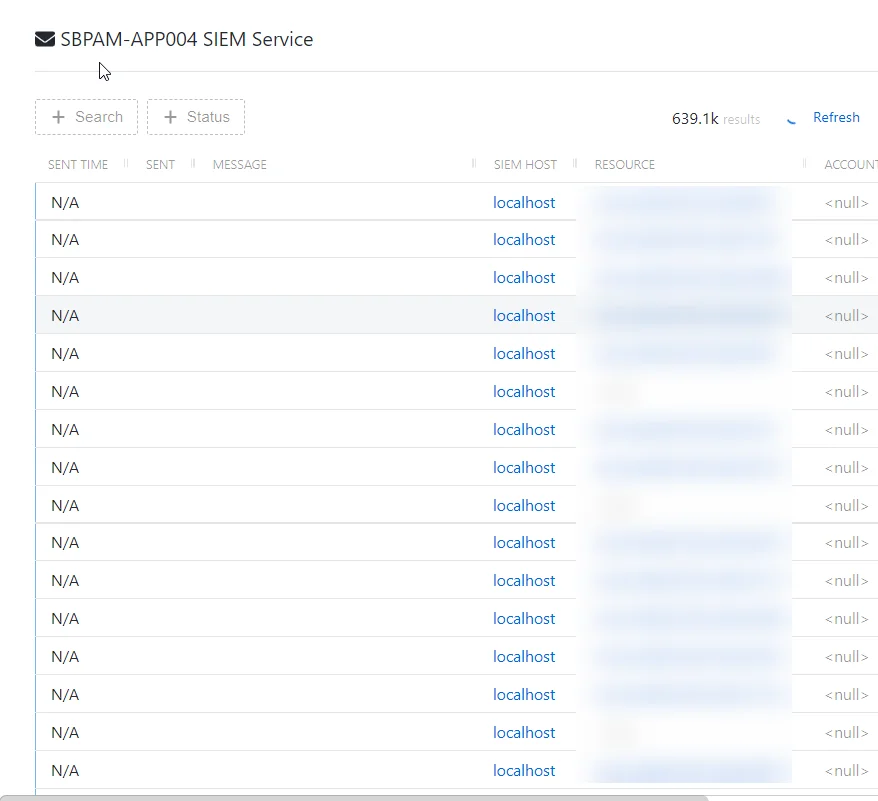
The SIEM Service page has the following features:
-
Search — Searches the Message column to match the search string. When matches are found, the table is filtered to the matching results.
-
Filter by Status — Provides options to filter results based on a chosen criterion: All, Sent, or Not Sent.
-
Refresh — Reload the information displayed
-
Column headers can be sorted by ascending or descending order:
-
Sent Time — When the event was processed.
-
Sent — Indicates successful processing of the event
-
Sent — Indicates the message was sent successfully.
-
Not Sent — Indicates the message has not been sent.
-
Message — The SIEM event to be processed.
-
SIEM Host — The SIEM server the event is destined for.
-
Resource — The resource associated with the event, If applicable.
-
Account — The account associated with the event, if applicable.
-
Activity — The activity associated with the event, if applicable.
-
Username — The user name associated with the event, if applicable.