Database
The Database page is accessible from the Navigation pane under Configuration > System Settings. It shows all database settings for either PostgreSQL or SQL server, depending on what was initially configured during installation.
PostgreSQL Database Settings
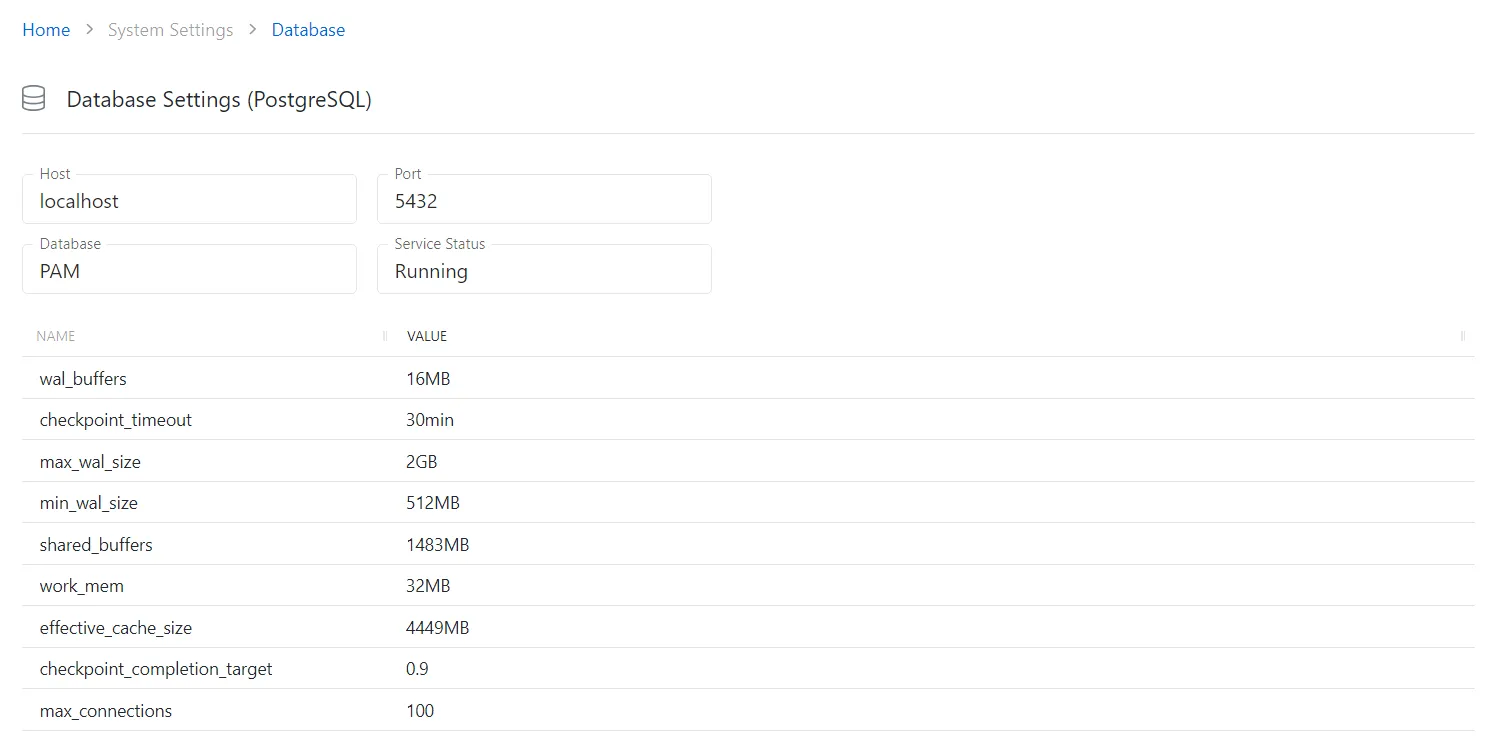
The Database Settings page displays the following settings for PostgreSQL:
- Host — The resource the database is using
- Port — Port number of the server proxy
- Database — The database the resource is using
- Service Status — Displays the current status of the database service
- Name — Identifier for the database setting
- Value — Value of the setting
SQL Server Database Settings

The Database Settings page displays the following settings for SQL Server:
- Host — The resource the database is using
- Port — Port number of the server proxy
- Database — The database the resource is using
- Service Status — Displays the current status of the database service