Start Web Session
To start a web activity session.
-
In the browser extension interface, select either the Activities or Current tab.
-
Click a Resource to expand it and show associated Activities.
-
Click an Activity in the list to start an Activity Session.

-
When the session icons are enabled to the right of the Activity, the session is ready:
- Green icon — Click to launch the web session
- Red icon — Click to end the current web session
-
Click the green icon to launch the web session in the current browser tab.
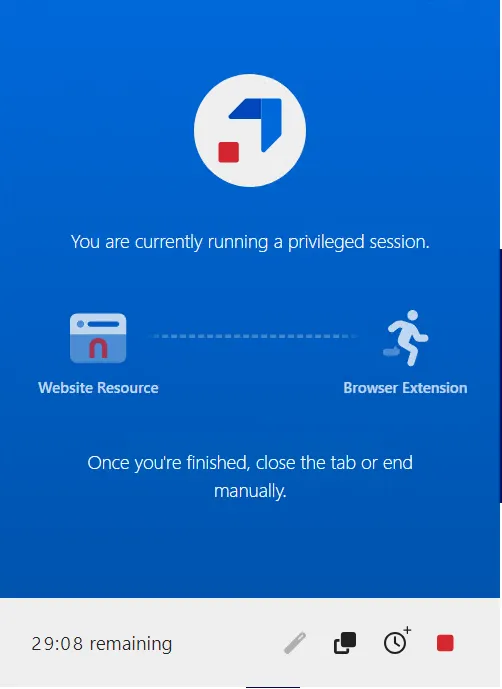
A count-down timer indicates how much time is remaining for the web session. The extension shows a REC icon if Privilege Secure is recording the current page.