End Web Session
To end the web session before the remaining time for the session expires, click the extension icon to display the green session page.
To end a Web Session.
-
Open the browser extension interface to display the green session page
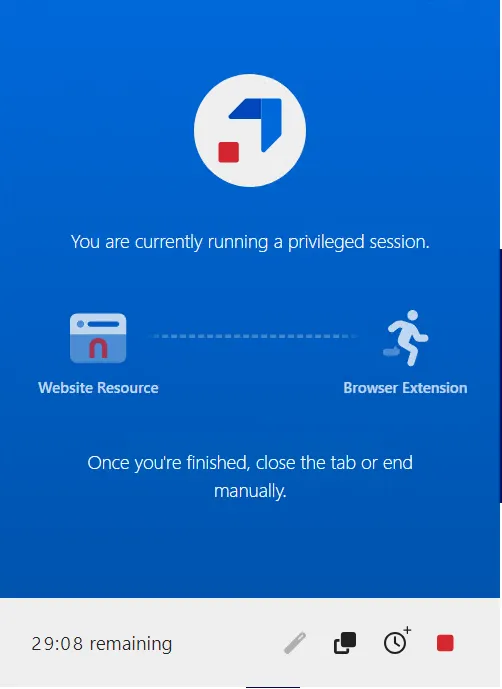
A count-down timer indicates how much time is remaining for the web session. The extension shows a REC icon if Privilege Secure is recording the current page.
-
Click the red END MY SESSION link to close the web session.
-
A notification displays to indicate that the session has ended. Click the Close Tab button on the page or close the tab manually.

If the browser extension is configured to automatically end the Activity when all sessions are closed, Privilege Secure cancels the Activity automatically when no browser tabs remain for the Activity.
If the extension is configured to not end the Activity sessions on web session closure, you can close the Activity by clicking the red icon.