Product Tour
New users see a product tour on first login. The tour walks standard users and users with the Privilege Secure administrator role through features that are relevant to their role.
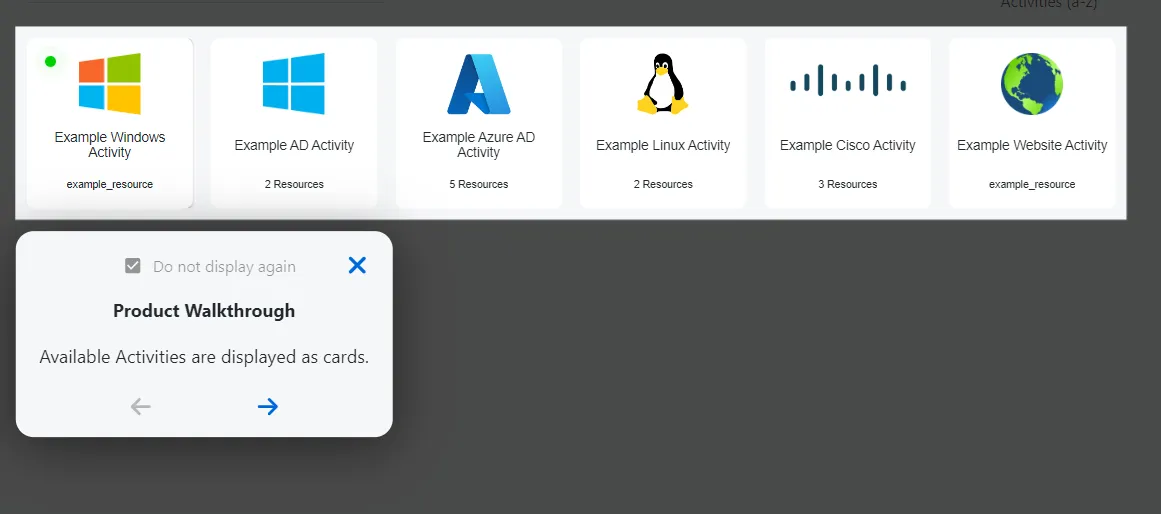
At any time, you can stop the tour by clicking the X icon at the top-right of the Console. By default, the tour won't display on next login unless you clear the don't display again checkbox.
You can restart the product tour at any time from the user menu.

See the Navigation topic for additional information.