Reset User MFA
Privilege Secure allows administrators to reset a user MFA directly from the Users page. Resetting the user's MFA will generate a TOTP secret for the user and force them to register an authenticator. This option is only available when the Internal MFA option is enabled on the User Details page. See Authentication Connector Tab for additional information.
-
Navigate to the Policy > Users & Groups page.
-
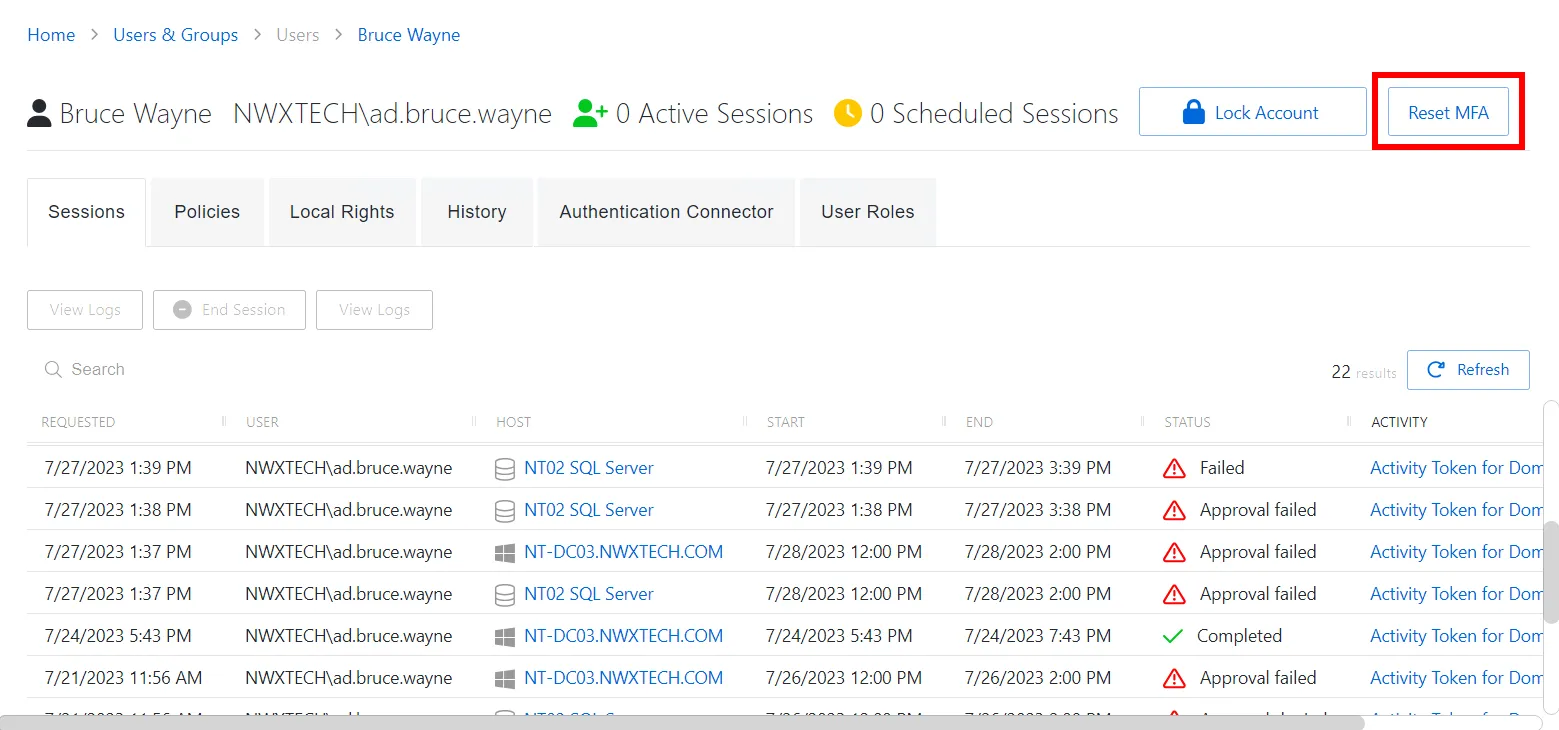
Select the user you want or group account.
-
Click the Reset MFA button.
-
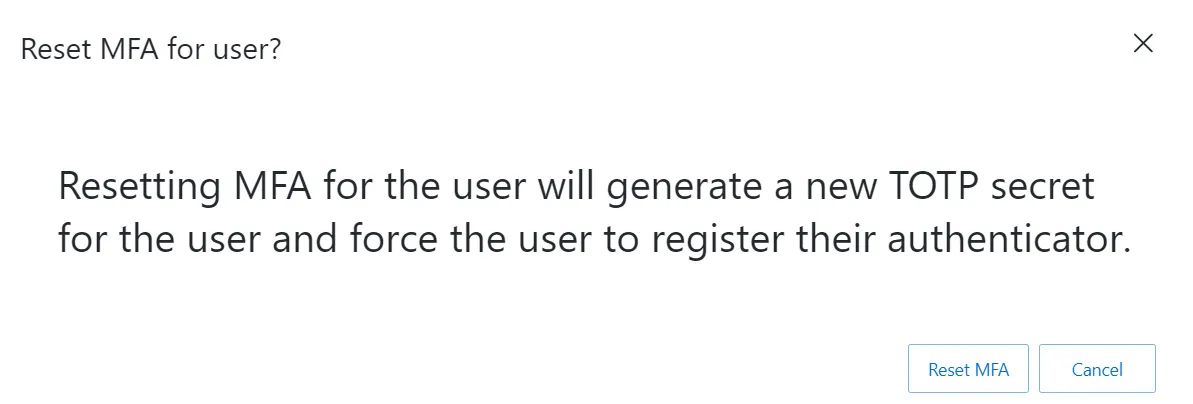
Click the Reset MFA button in the confirmation window.
Privilege Secure resets the user's MFA in the Privilege Secure user store and prompts them to register a new MFA the next time they log in to Privilege Secure.