History Tab for Website
The History tab shows information about the session history of the selected resource.
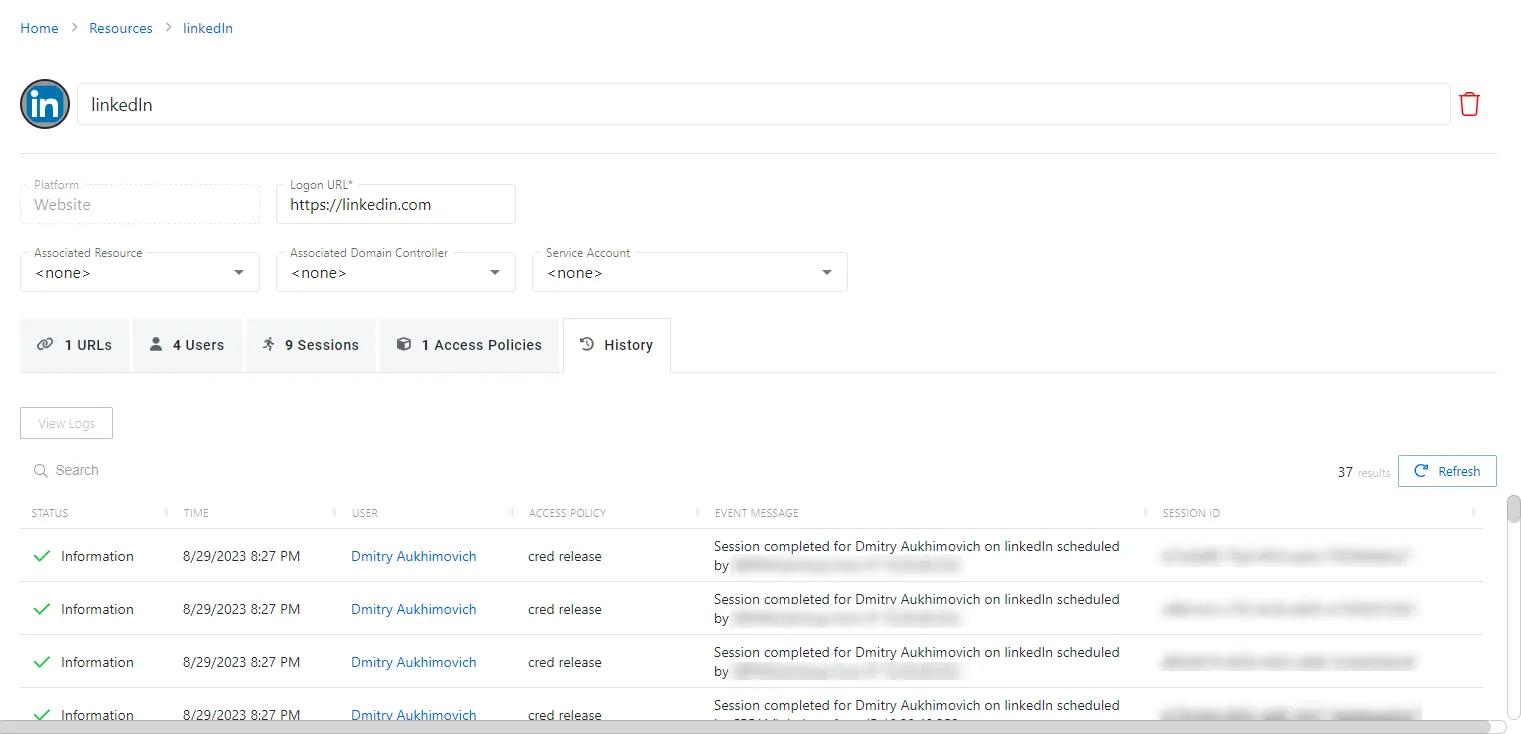
The History tab has the following features:
- Search — Searches the table or list for matches to the search string. When the search finds matches, the table or list shows only the matching results.
- View Logs — Opens the Session Logs window to view the action log for the selected session. See the Session Logs Window topic for additional information.
- Refresh — Reload the information displayed
The table has the following columns:
- Status — Shows status information for the session:
- Information — Session was successful and row contains details
- Error — Session had an error and row contains details
- Time — Date timestamp for when the event occurred
- User — User who requested the session. Click the link to view additional details. See the User, Group, & Application Details Page topic for additional information.
- Access Policy — Displays the name of the policy
- Event Message — Description of the event
- Session ID — Unique identifier for the session
You can resize the table columns and sort them in ascending or descending order.