Add Service Account
To add a service account to the console.
-
Navigate to the Configuration > Service Accounts page.
-
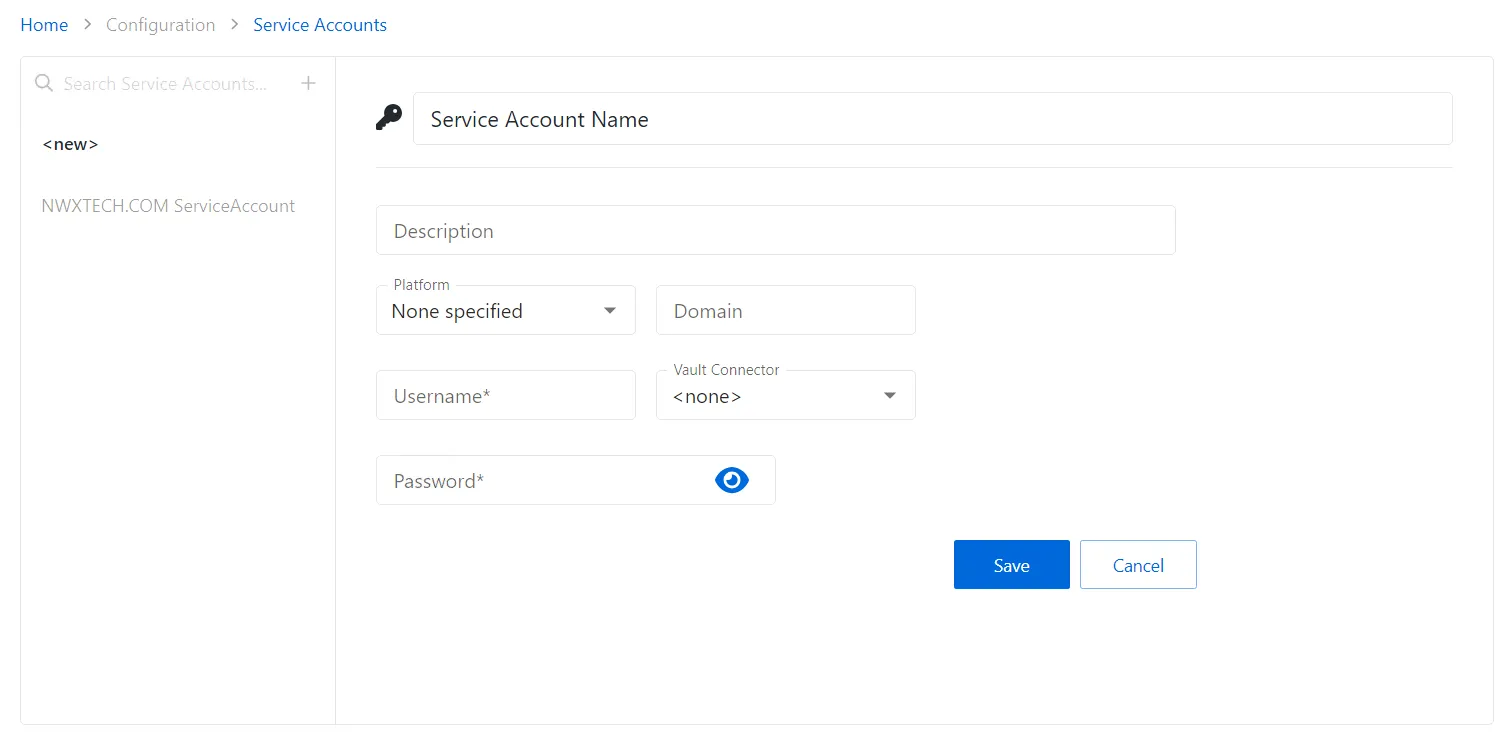
In the Service Account list, click the Plus icon.
-
Enter the applicable information. See the Service Accounts Page section for detailed descriptions of the fields.
- For service accounts checked out through a vault connector, select a previously added vault connector from the dropdown list. See the Bring Your Own Vault (BYOV) Integration topic for additional information.
-
Click Save to create the new service account.
The new service account is added to the Service Accounts list.