HashiCorp Integration
Privilege Secure contains a built-in vault for credential management, but can uniquely map to a HashiCorp vault. HashiCorp connectors are useful for the following purposes:
- Service Accounts — Use to perform Active Directory synchronization
- Activities — Use to configure the target account for the activity
HashiCorp connectors use the Active Directory Secrets Engine. The Active Directory Secrets Engine defines a collection of usernames and passwords in each library endpoint, so when Privilege Secure performs a checkout of the account using the library, the actual account returned may vary.
Install Active Directory Secrets Engine
Before configuring Privilege Secure to use a HashiCorp connector, the Active Directory Secrets Engine must be installed in the HashiCorp Vault. See the HashiCorp Active Directory Secrets Engine article for additional information.
Add a vault connector for HashiCorp
To add a vault connector for HashiCorp.
-
Navigate to the Configuration > Integration Connectors page.
-
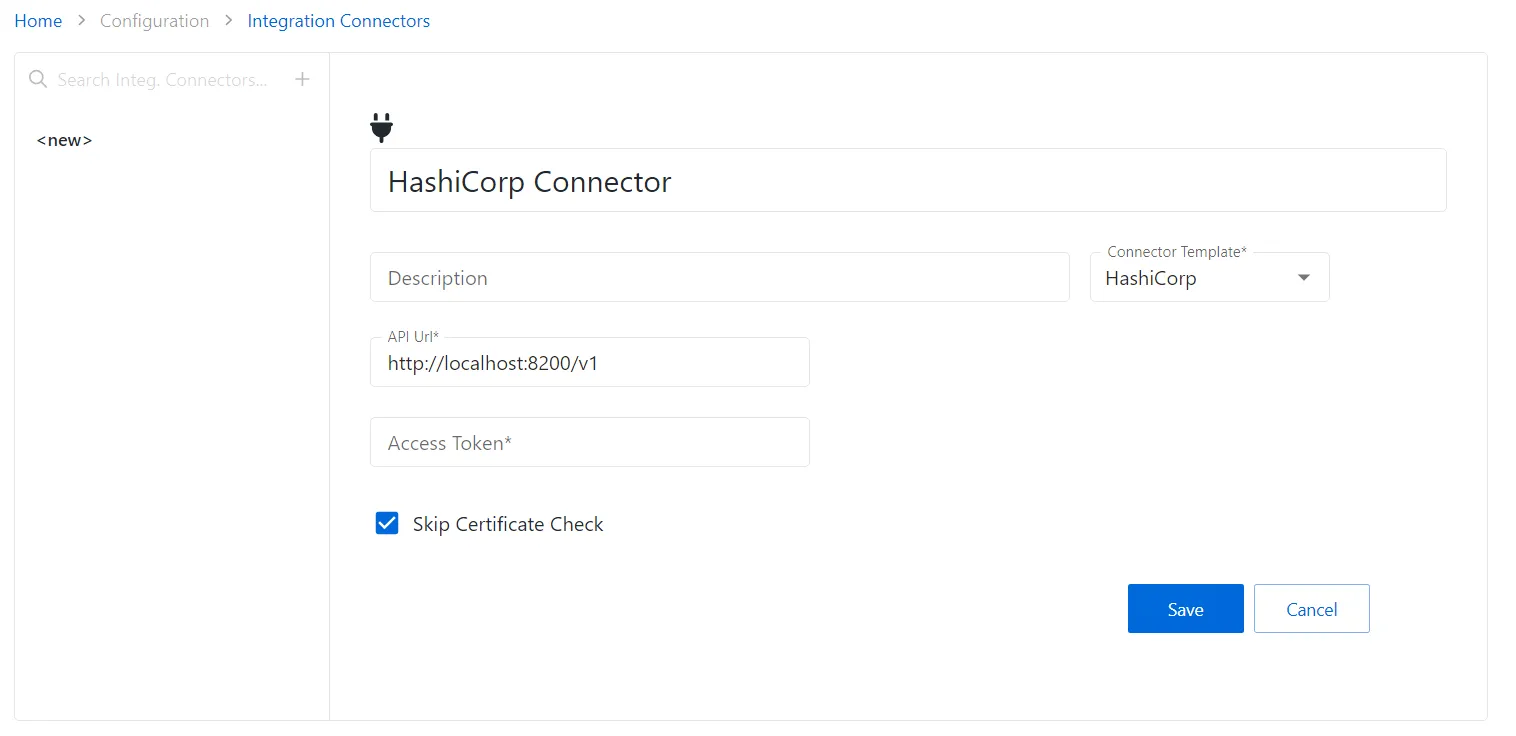
In the Integration Connector list, click the Add Integration Connector icon.
-
Enter the following information:
- Connector Name — Enter a name to uniquely identify the connector
- Connector Description (Optional) — Enter a brief description to identify the service account
- Connector Template — A selection of templates for connector configurations. Select HashiCorp from the dropdown list.
- Access Token — The access token generated in HashiCorp
- Skip Certificate Check — Select to ignore certification warnings when connecting to the server
-
Click the Save icon to create the new integration connector.
The connector is added.