Report and Dashboard Folder Customization
Overview
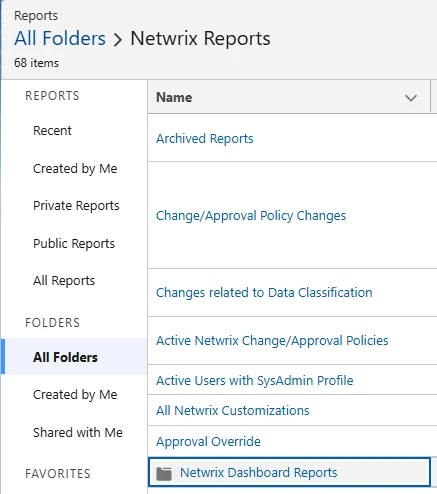
This document describes the Netwrix customizations for Salesforce types ReportFolder and DashboardFolder.
Detailed Customization Description
1. Folder Types
- Report Folders: Contain Salesforce reports
- Dashboard Folders: Contain Salesforce dashboards
- Folders can be shared with users or public groups
- Supports hierarchical folder structures with subfolders
2. Detection Mechanism
- The Netwrix daily scan detects changes
- Frequency depends on the configured scan schedule
3. Related Objects
- Folders can have relationships with:
- Groups/Roles through access permissions
- Other folders (parent-child relationships)
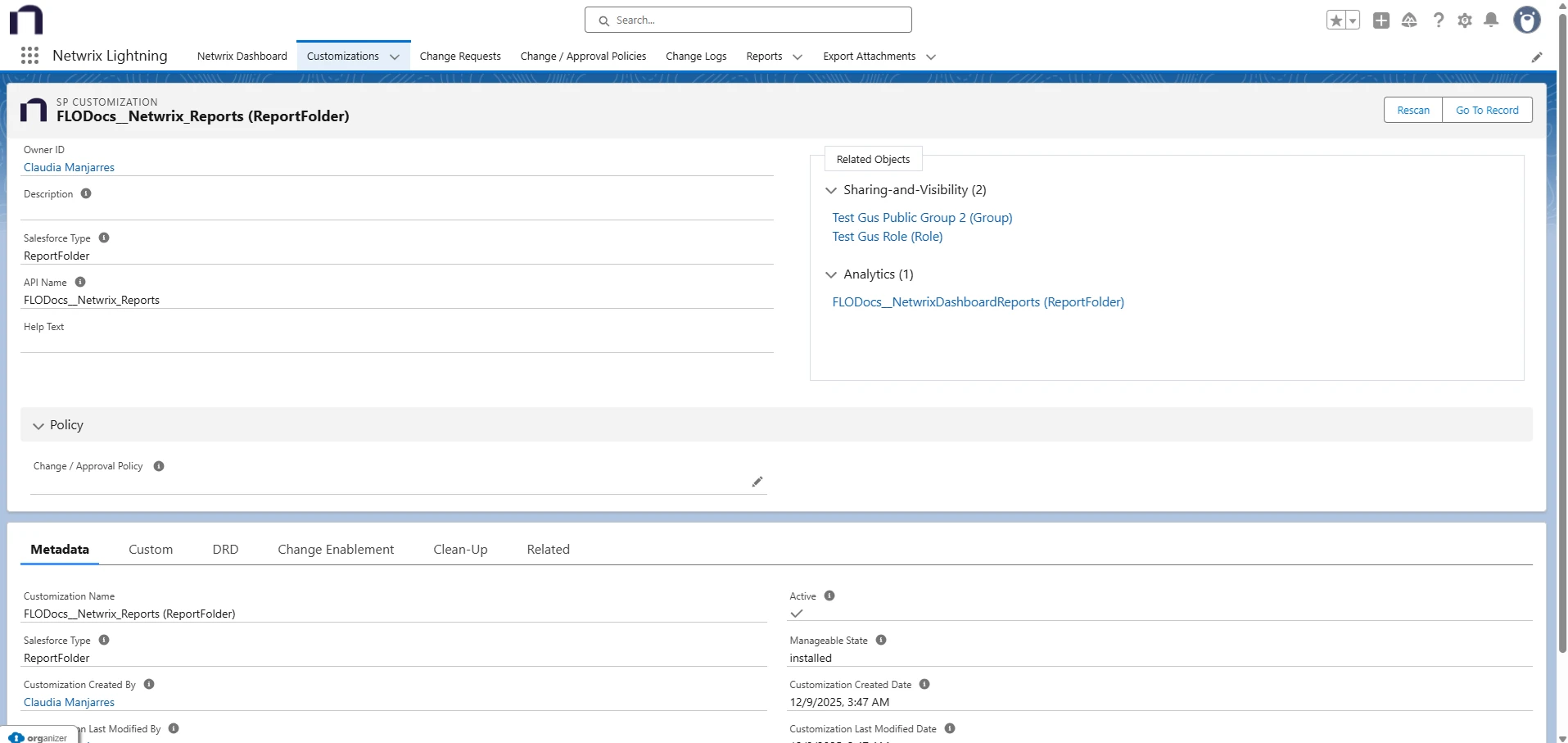
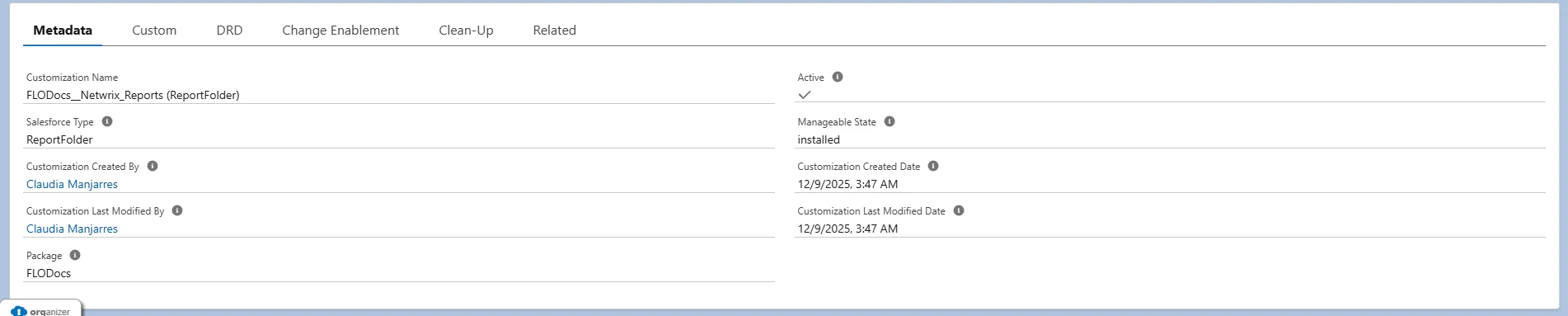
4. Metadata Information
- Includes:
- Customization name
- Salesforce type
- Package details
- Active/Managed status
- Creation and modification timestamps
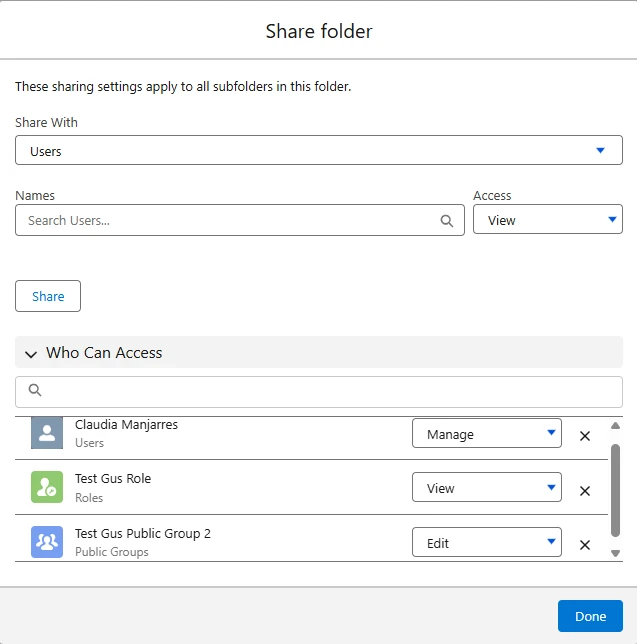
5. Folder Sharing Settings
- Access levels:
- View access
- Manage access
- Sharing settings apply to all subfolders
- Can be granted to:
- Individual users
- Public groups
- Roles

6. Change Logging
- Tracks changes to access permissions
- Logs include:
- Who made the change
- Timestamp of change
- Type of modification (add/modify/remove)
7. Metadata Storage
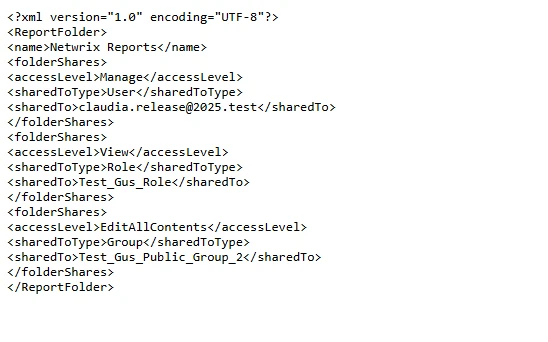
- An XML attachment stores:
- Folder structure details
- Access levels for users, groups, and roles