Identity Management
To manage identities' entitlements, start by managing the identities themselves.
A central repository
A company involves many sorts of identities: employees, but also external workers like contractors whom the company's systems usually don't track except for billing purposes, bots, software, and more. You must represent all identity types that need entitlements to work within the company.
Companies often use one system per identity type. Identity Manager capitalizes on information from several source systems to build a central repository meant to contain all the data necessary to manage all identities throughout their whole lifecycle.
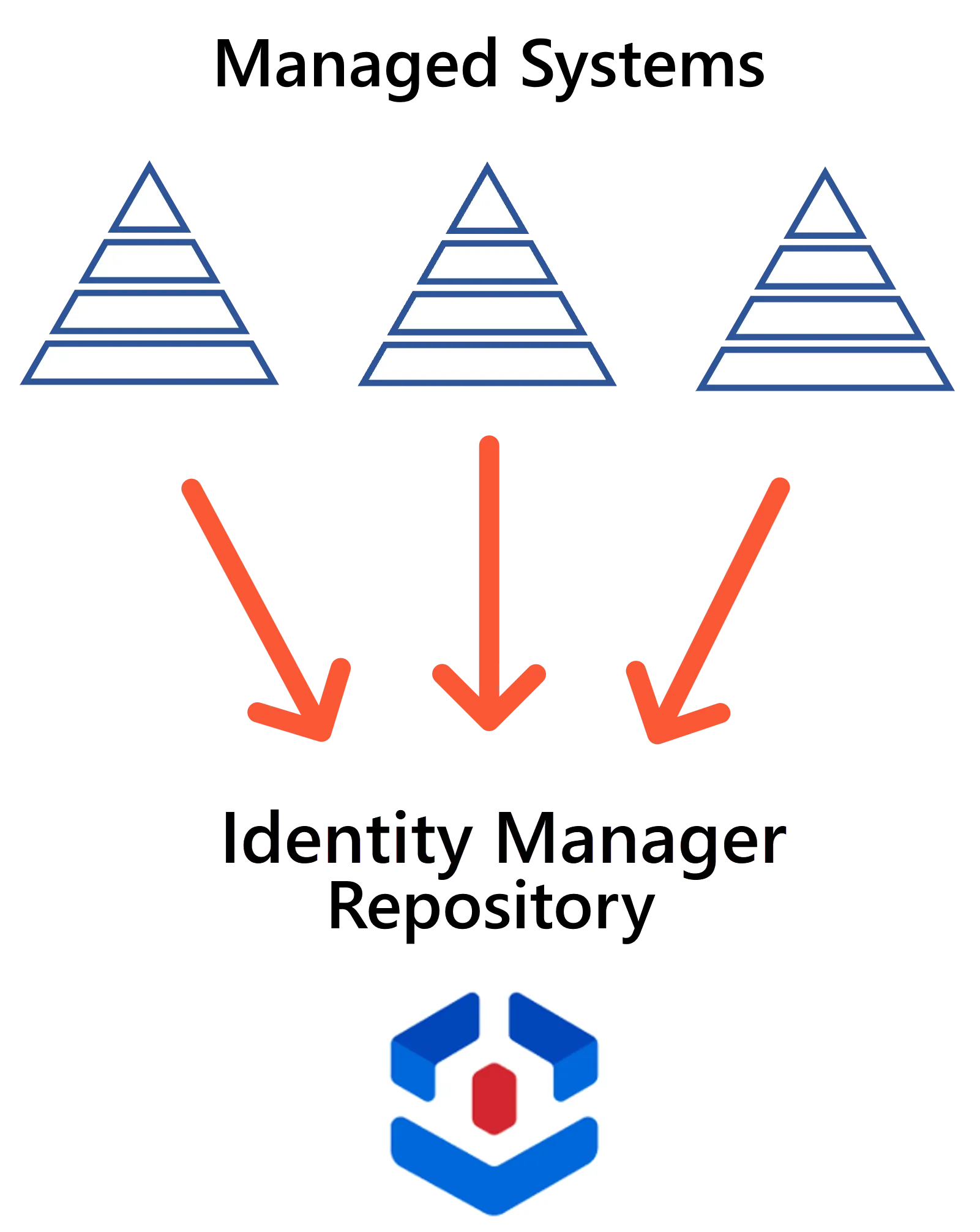
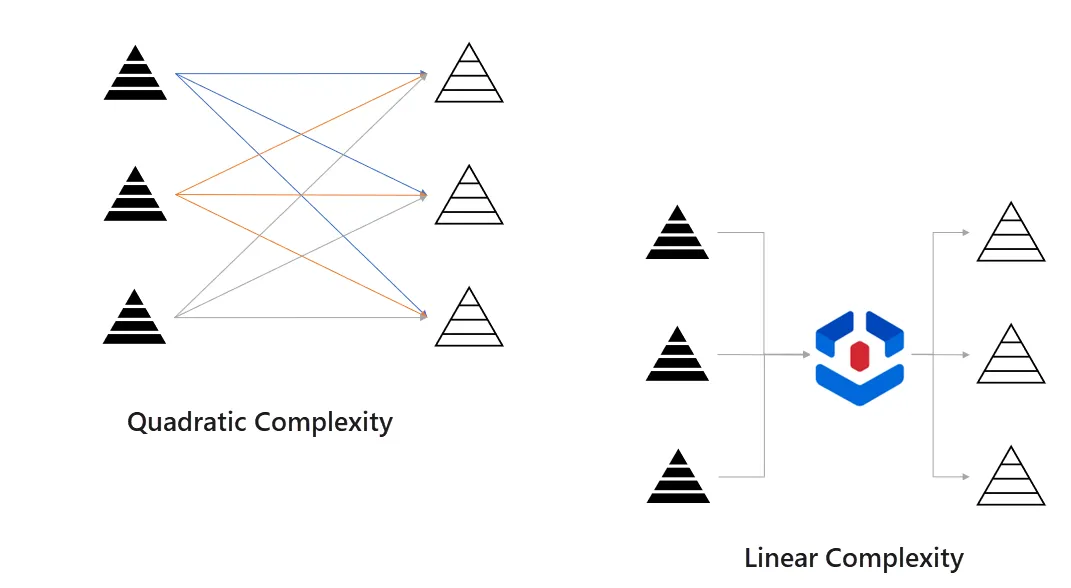
Identity Manager's central repository acts as an intermediary between the systems that provide data, for example the HR system, and those that receive data, for example the Active Directory. This greatly reduces the complexity in the links between all systems.
Without an intermediary, adding one system to a set of n systems requires up to n sets of rules, one for each reading/writing relationship that this system has with the others. The complexity is quadratic.
With the central repository as an intermediary, implementing a new system requires only one more set of rules. The complexity becomes linear.
An Entity Relationship Model
Identity Manager models identities, along with any Identity Governance and Administration (IGA) related data, by an entity-relationship model.
Entities organize and model all this data. This concept is quite similar to a database: an entity is a set of properties, where some are scalar, or "simple", properties and others are navigation properties that link entities together, much like foreign keys in a database.
For example, consider an entity
Directory_Userwith properties likeName,JobTitle,Department.Another entity could be
Directory_Department, linked toDirectory_Userthrough a navigation property.Another entity could be
SAB_Userto model SAB accounts owned by users fromDirectory_User. The accounts fromSAB_Usercould be related to groups from another entitySAB_Group.

Identity Manager calls these entities' instances resources. A resource can be the digital identity of a user (human or bot), or an AD account or any other account, or an entry from the HR system, or the representation of a department of the company, etc.
Consider once more the
Directory_Userentity with properties likeName,JobTitle,Department. Then a resource could be the digital identity of an employee whose name is John Smith, with the email address john.smith@contoso.com and working as an assistant manager in the accounting department.
While Identity Manager provides a predefined model that should fit most organizations, you can still adjust it to your exact needs. Thus, Identity Manager provides a customizable model to organize a company's data according to its IGA-related needs, which is also most reliable because Identity Manager keeps it up to date.
connectors
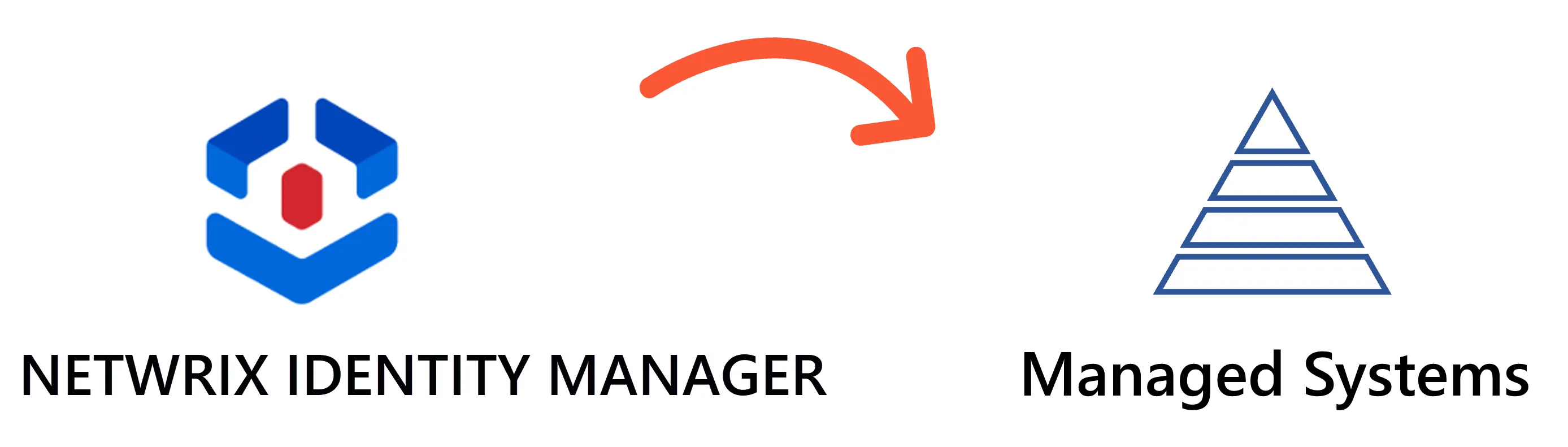
Each entity is related to a managed system, for example the Active Directory or SAB or ServiceNow, etc. The reading and writing of data between the system and Identity Manager relies on connectors. In Identity Manager, you can configure one connector for each managed system.
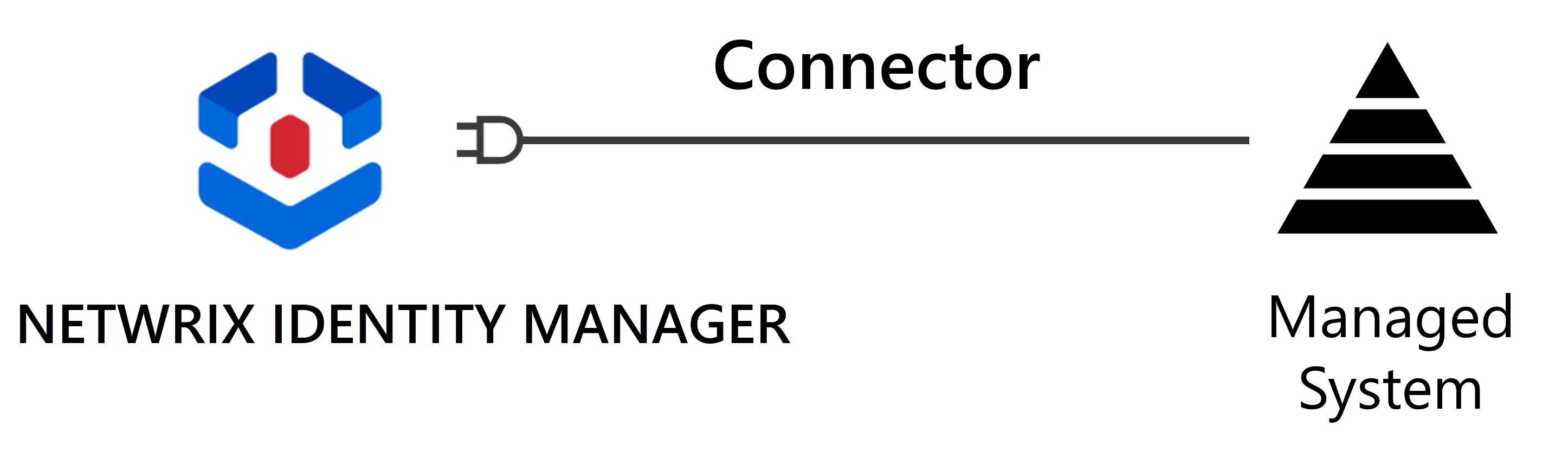
For a given system, a connector contains:
- the technology which enables data flows between the system and Identity Manager;
- the related entities which model the system's resources;
- the categories which group the system's resources together according to the rules for managing entitlement assignment for this system.
Thus, a connector enables synchronization, i.e. Identity Manager reading from a managed system via an extract, transform, load process.
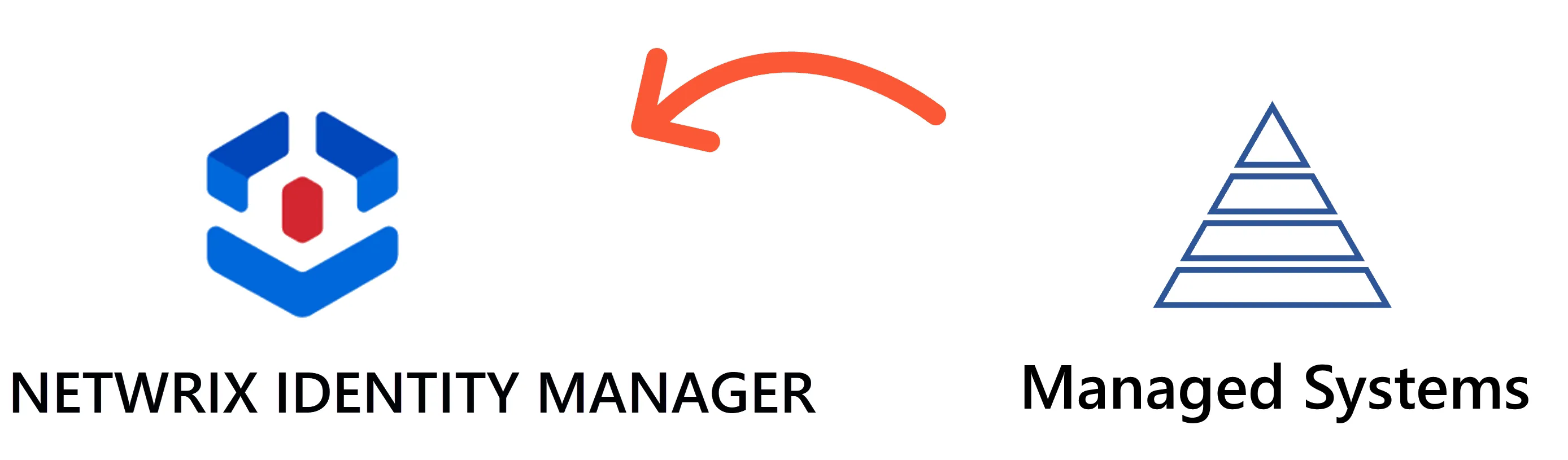
A typical example is the synchronization of the HR system's data to retrieve employees' personal information.
It also enables provisioning, i.e. Identity Manager writing to a managed system. A later topic covers provisioning.
Repository Updates
After you configure Identity Manager, with not only connectors but also roles and rules, etc. (which constitute a different topic), you can make changes to the repository through:
- synchronization, which copies changes made in the managed systems to Identity Manager;
- manual input, mostly used for a few resources/properties that rarely change such as contractors' identities;
- workflows which contain approval steps to complete before Identity Manager actually applies the changes;
- the policy's rules that trigger changes to the repository directly, and those that trigger changes to managed systems and impact the repository indirectly after the next synchronization.
See the Entitlement Management topic for additional information.
Next Steps
Learn about Entitlement Management.
Related Resources
See how to Create the Workforce Repository.
See the connectors topic for more information.
See how to Connect to a Managed System.
See the synchronization topic for more information.
See the workflows topic for more information.