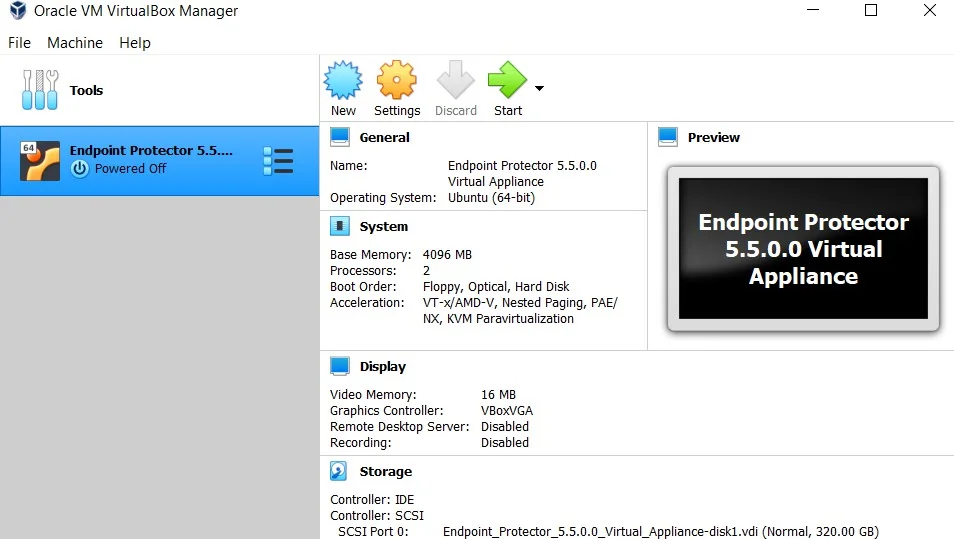
Oracle VM VirtualBox
Oracle VM VirtualBox supports the Open Virtualization Format (OVF) for deploying virtual appliances, offering an open-source solution.
Oracle VM VirtualBox
Deploy your appliance using Oracle VM VirtualBox with the OVF format.
To get started with the import process:
Step 1 – Unzip the downloaded package.
Step 2 – Open VirtualBox.
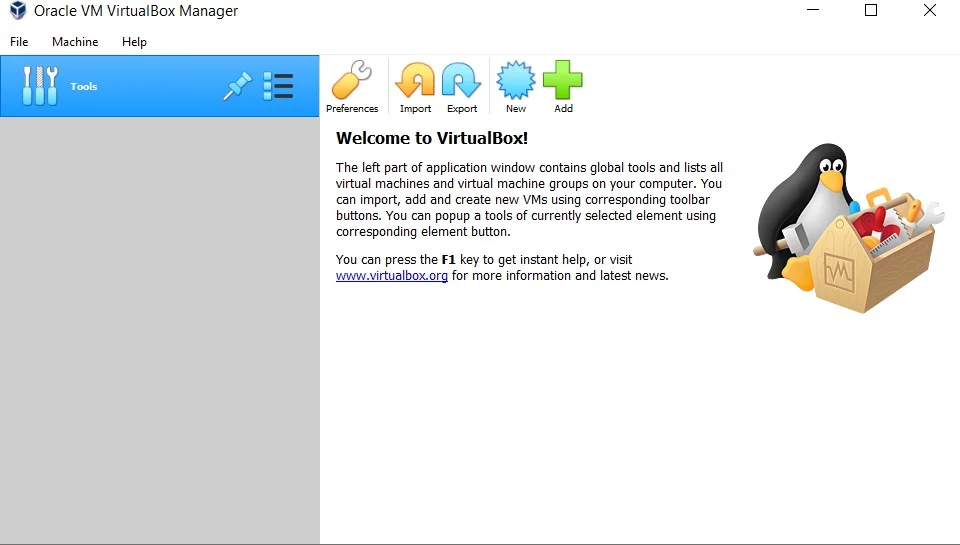
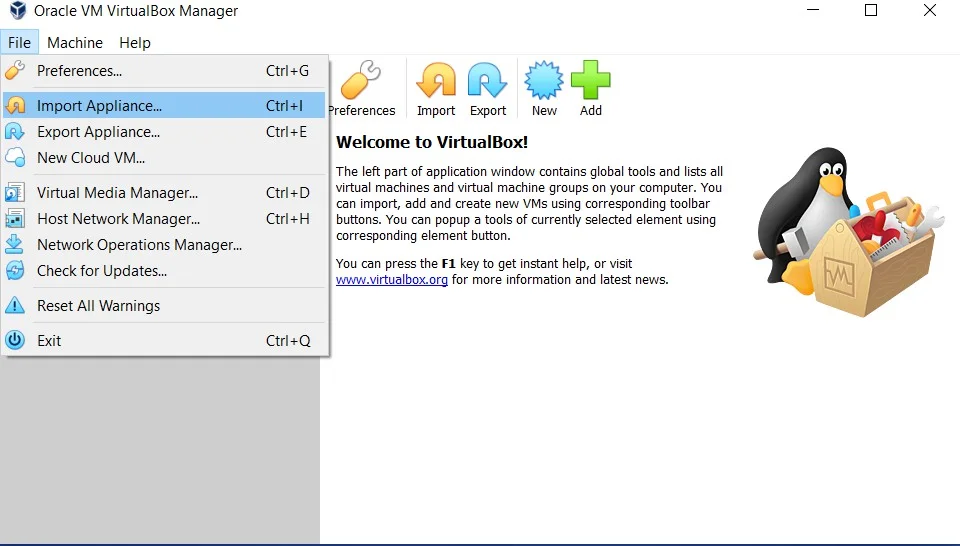
Step 3 – Go to File and select Import Appliance.
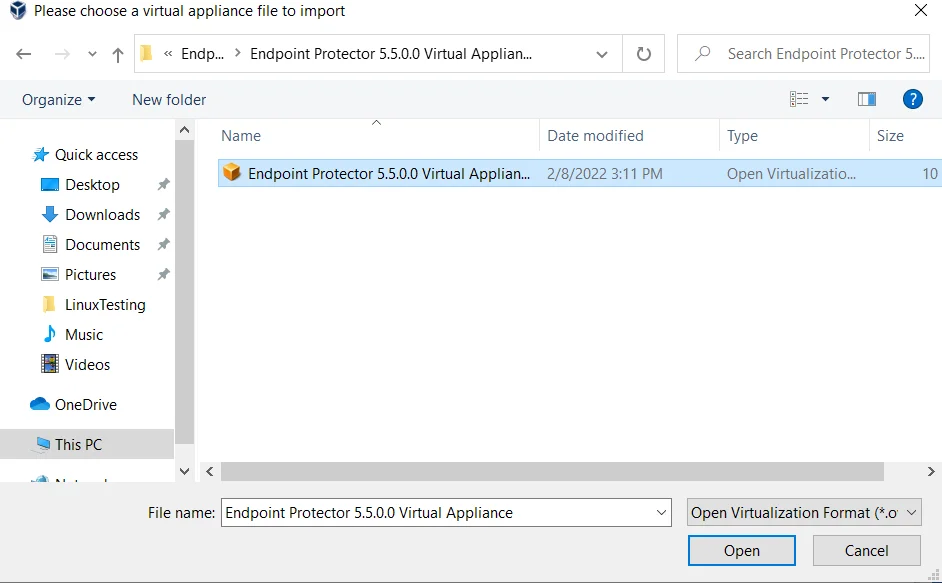
Step 4 – On the Appliance to import page, click the File icon, browse, and select the OVF file from the extracted zip.
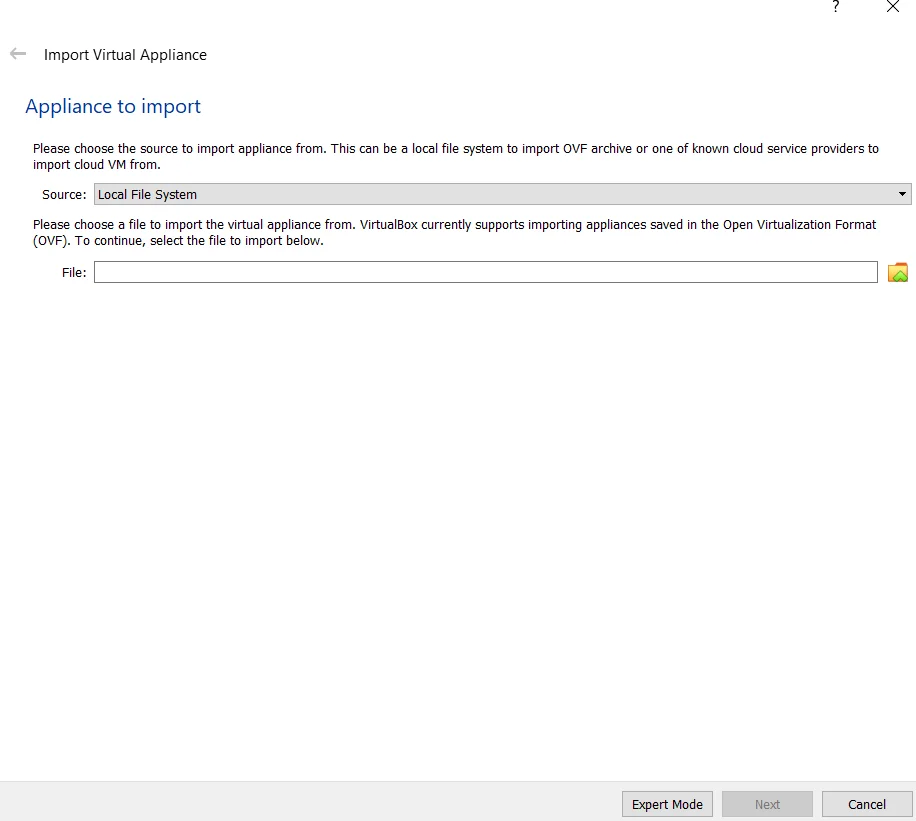
Step 5 – Click Open.
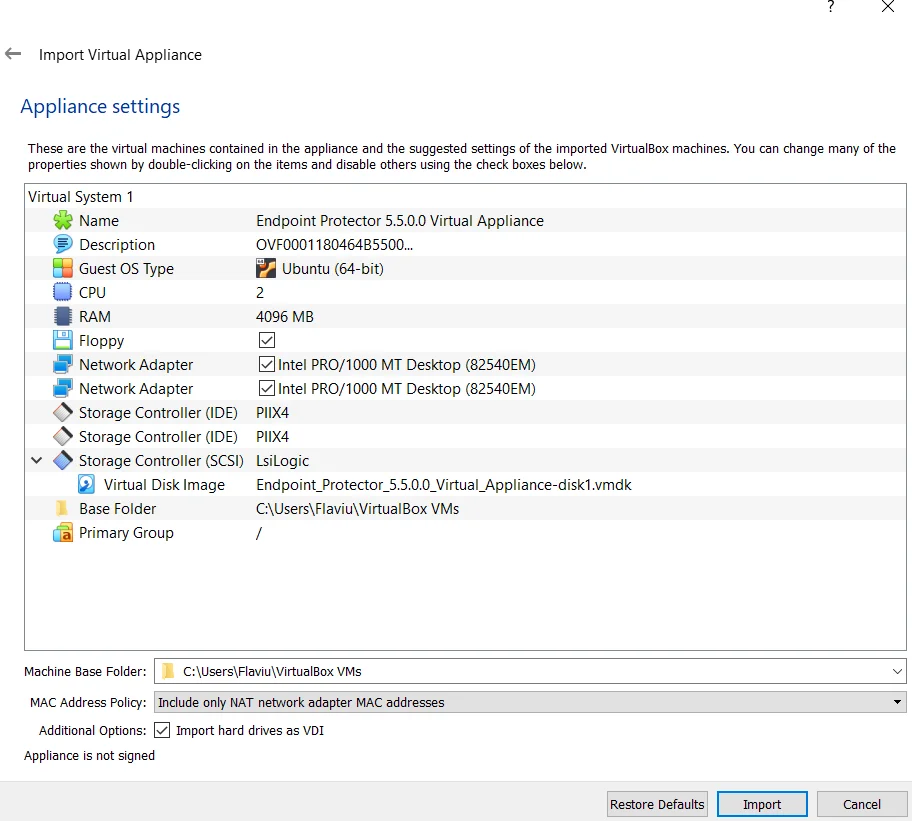
Step 6 – Click Import.
Step 7 – Wait for the import displayed by the progress bar.
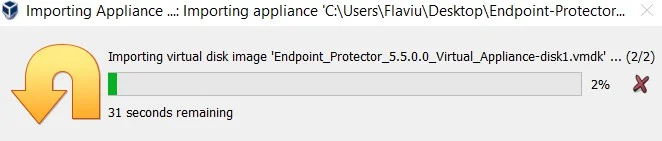
The virtual machine is now ready for use.