Classifier
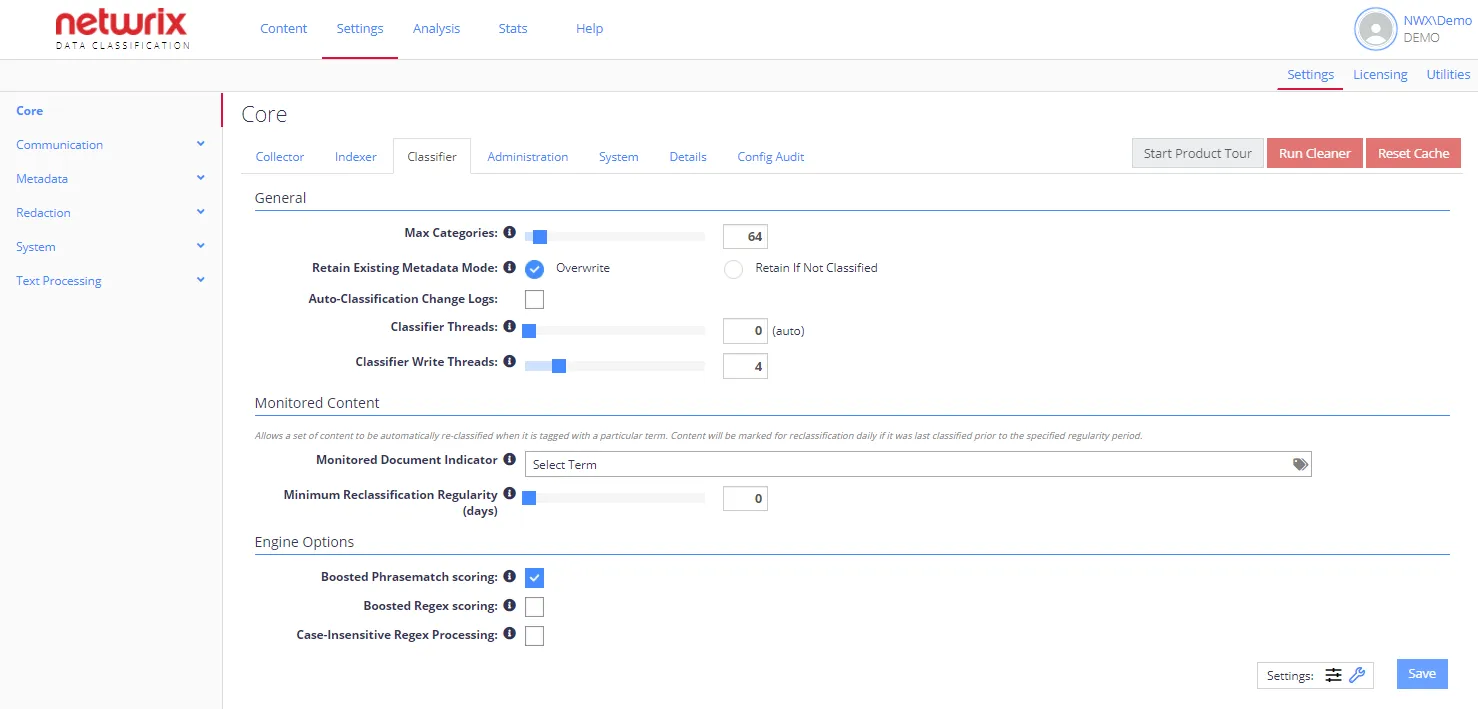
The Classifier configuration tab contains the classification engine settings. By default, the tab displays only standard options. To view advanced options, click the "wrench" icon at Settings in the bottom-right corner.
Each option has an associated information popup (the “i” symbol next to the option name) which describes what the setting does and how it works.
note
To view a complete list of the Config settings for your NDC instance, click the Details tab. The list indicates whether a setting differs from the default value.
You can configure the following options for Classifier:
- General Options
- Monitored Content
- conceptClassifier App Options (advanced settings)
- Engine Options
You can also use the following option buttons:
- Start Product Tour—Run a product tour taking you around the key areas of the product.
- Run Cleaner—Run built-in tool to automate maintenance operations. See Index Maintenance for instructions on using the Index Cleaner tool.
- Reset Cache—Force a reset of the QS caches.