Index Maintenance
This feature is only available for ‘Superusers’.
You may need to reprocess content or even clean the environment on a large scale — for example, after you delete a large amount of content, or after setting up Data Quality Services (DQS). In such scenarios, maintain the index to ensure data consistency. To automate maintenance operations, use the built-in Index Cleaner tool.
To launch the Index Cleaner tool:
- Open NDC Management Web Console.
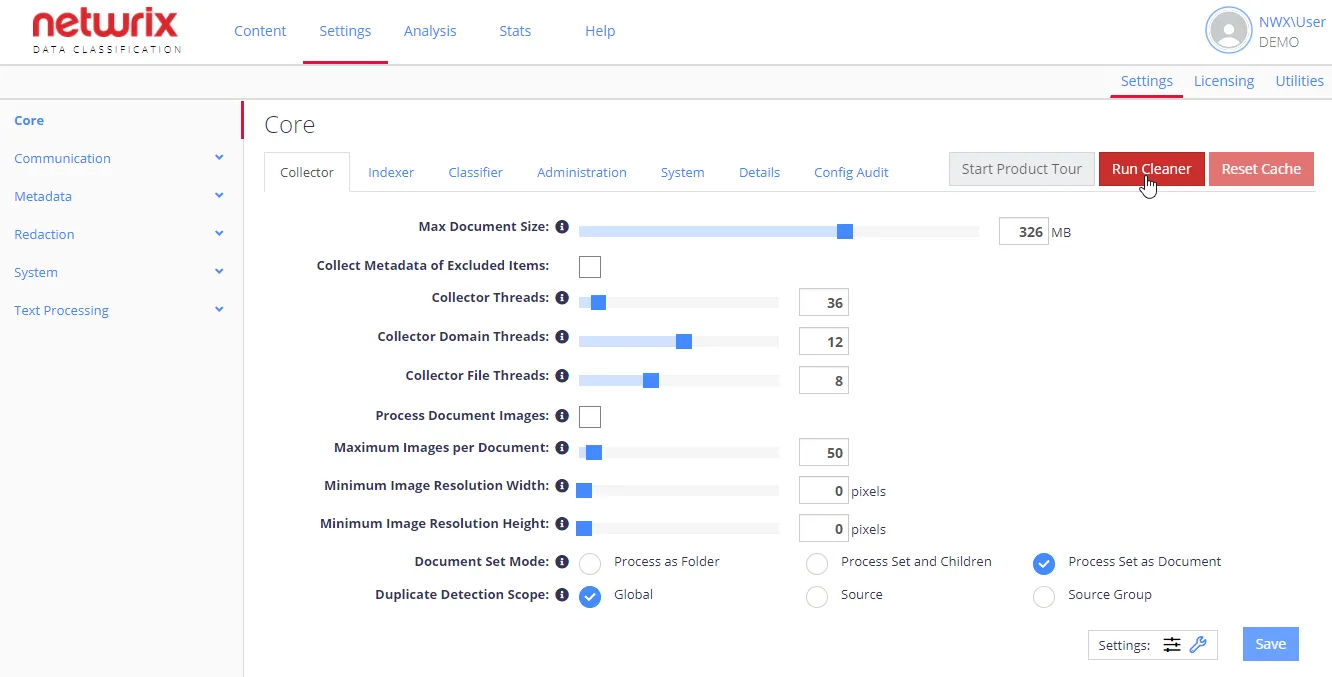
- Navigate to Settings > Config and click Run Cleaner.
- Then follow the steps of Index Maintenance wizard.
See next: