Security
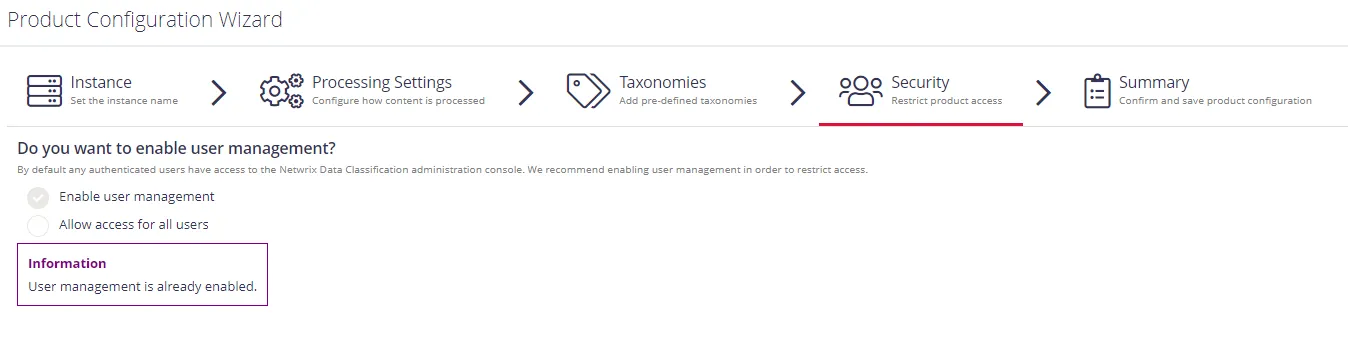
On this step, the wizard prompts you to choose how to control access to the administrative web console.
-
Enable User Management (Strongly recommended) — This lets you control access to different sections of the administrative web console on a user-by-user basis. You can set users as Super Users for full access, or restrict their access using the Users settings page.
When selected, the wizard prompts you to add Super Users. Enter the name of any Super User you want to add and click + on the right. Add users with restricted access to NDC via the Users configuration page after initial configuration.
-
Allow access for all users – select to allow any user to access the administrative web console. All users connecting to the web interface have full access, equivalent to a Super User.