conceptClassifier App Options
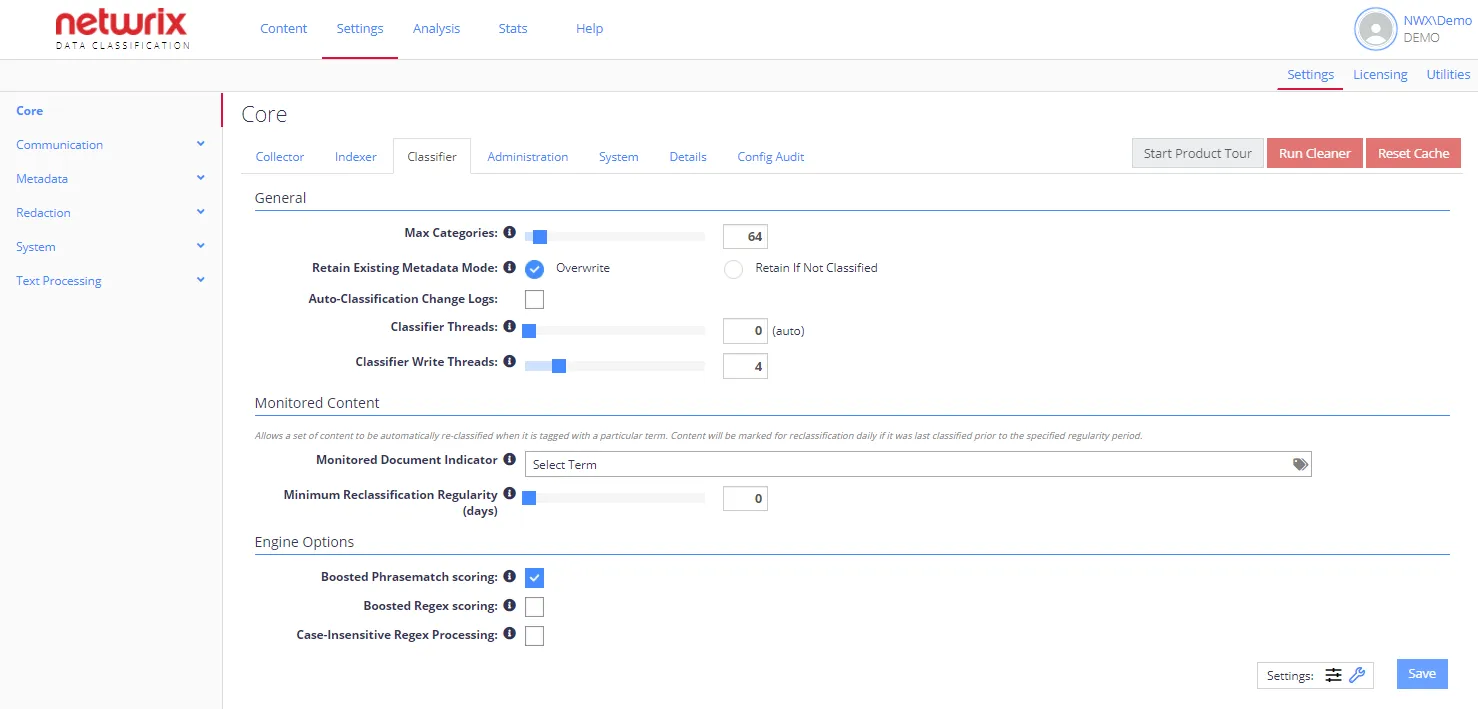
This section contains the settings related to conceptClassifier application. As these are advanced options, you should click the wrench icon at Settings in the bottom-right corner to view them.
Each option has an associated information popup (the “i” symbol next to the option name) which describes what the setting does and how it works.
note
To view a complete list of the Config settings, click the Details tab. The list also has an indication of the values that have been changed from the default setting.
The following options can be configured for conceptClassifier app:
| Option | Description | Comment |
|---|---|---|
| Write Mode | Use to configure the update method that the Classification service will use to update SharePoint documents. Possible options:
| Applies to SharePoint documents. |
| Manually Classify Cleared Fields | When enabled, the system marks fields as manually classified if the user clears them. If disabled, the user must manually turn off auto classification to stop the field from updating. | |
| Hide Sql (Local) Taxonomy Calculations | When disabled, SharePoint View Classifications hides any classifications/calculations (Classic and Modern UI). | |
| Ignore Manual Classifications From | A semicolon-delimetered list of usernames. Any updates to classification of new documents in SharePoint by these users will be ignored. |