Metadata Configuration
This section contains information on how to configure metadata of your documents. Review the following for additional information:
Document Metadata Fields
This list specifies which internally generated fields are to be used:

Metadata Field Mappings
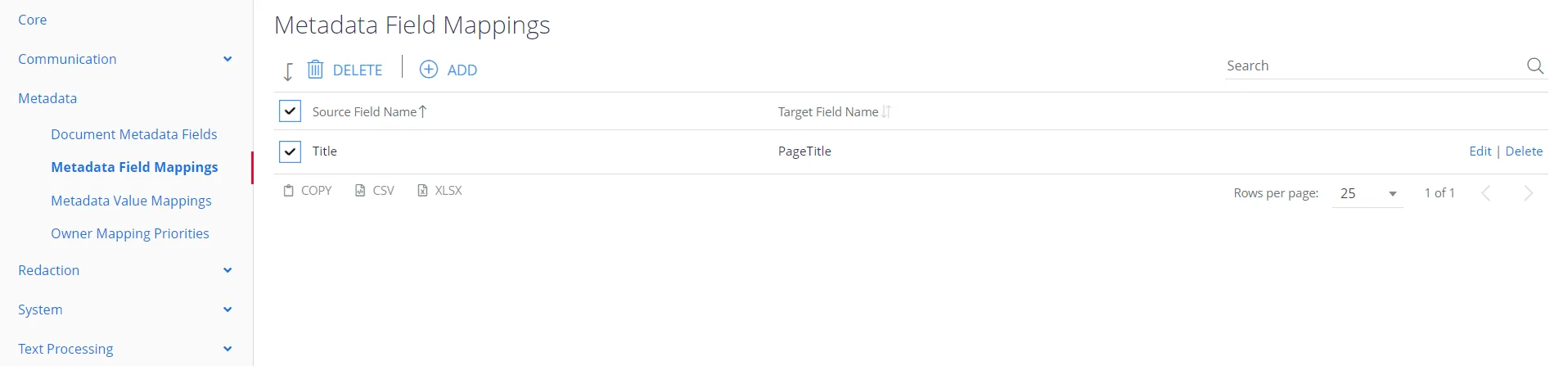
This table lets you generate additional metadata fields by mapping an existing field name to a new name.
Metadata Value Mappings
This list lets you map metadata values from a source value to a new target value.
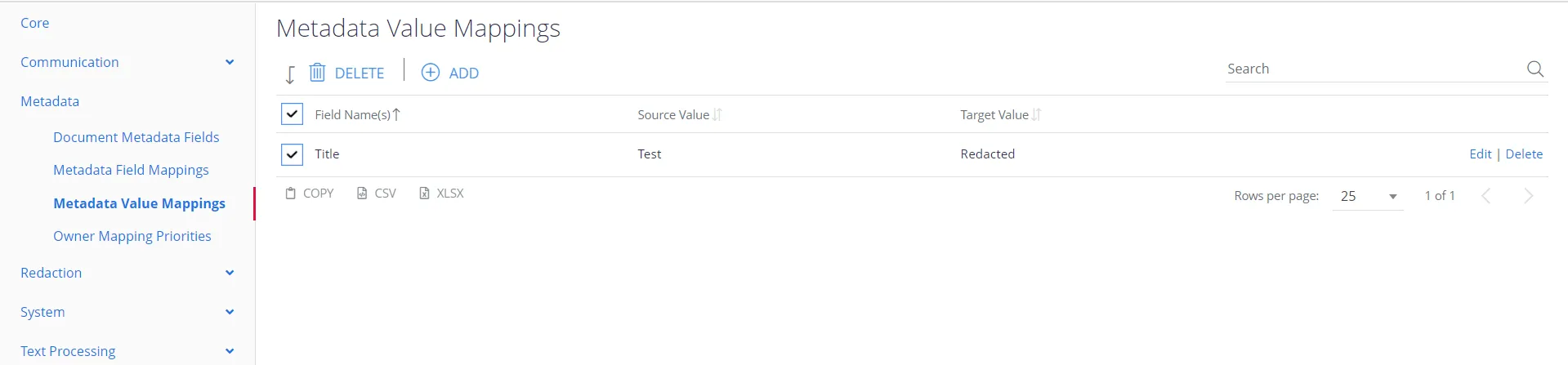
For example, if you create an entry for the field “Modified By”, with Source=”Cheryl Tweedy” and Target=”Cheryl Cole”, then a document with this metadata:
“Modified By: Cheryl Tweedy;”
Will generate an index with this metadata:
“Modified By: Cheryl Cole;”
You can use this facility to align metadata field values—for example, when employees change their name or move to different roles.
Owner Mapping Priorities
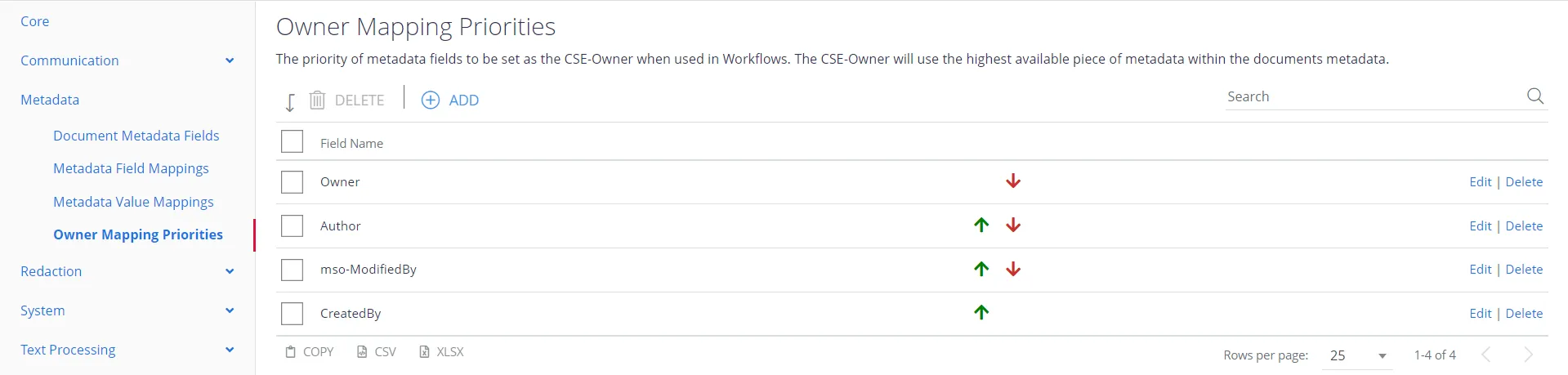
This feature applies to the CSE-owner function for a workflow. Suppose, you want to email the
documents after the classification to the CSE owner. Then you may need to specify what is the role
you stand for these documents: Owner, Author, Creator, etc. You can prioritise any of these roles by
clicking
the or
or
 arrows.
For example, if your document is owned or authored by you, but not modified or created, you may choose this priority: