Queued and Custom Reports
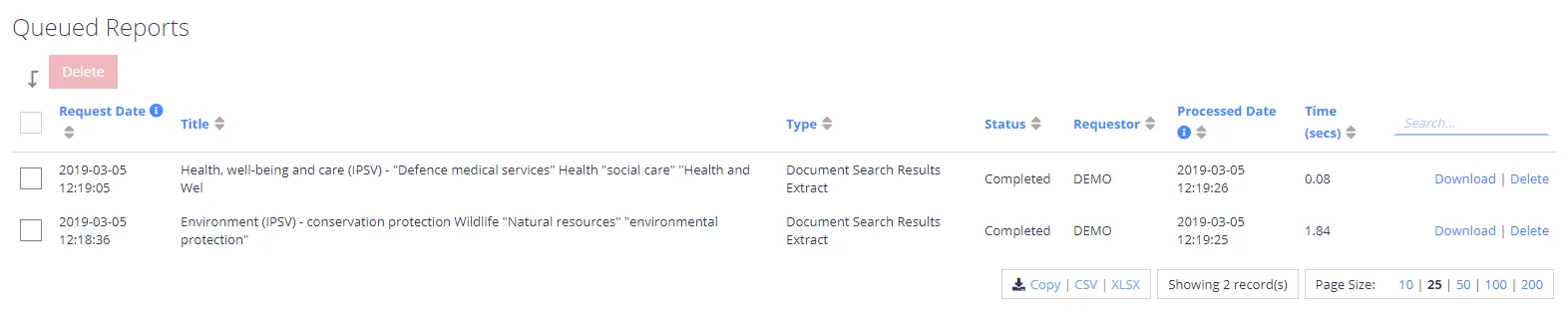
Queued Reports
When you run large search exports, the report may take some time to compile. In this case, the background processes create the report and download it via the Queued Reports dashboard. You can delete reports before or after processing and download them as many times as necessary.
Plugins for Custom Reports
While the product includes many reports by default, specific business needs may also arise that require reporting the default reports don't cover. With this in mind, you can create a custom report using Plugins. After you deploy the custom report plugin, the report will appear in the main reports list (with the built-in reports). A sample plugin incorporates:
- Custom Parameters
- Custom Filters
- Report Sorting
- Paging
Usually, the application communicates with a server running the administration Web console. To assemble and combine the search results required for reporting, the NDC server will automatically communicate with the other servers in the cluster.