Step 4. Enter Name and Review Settings
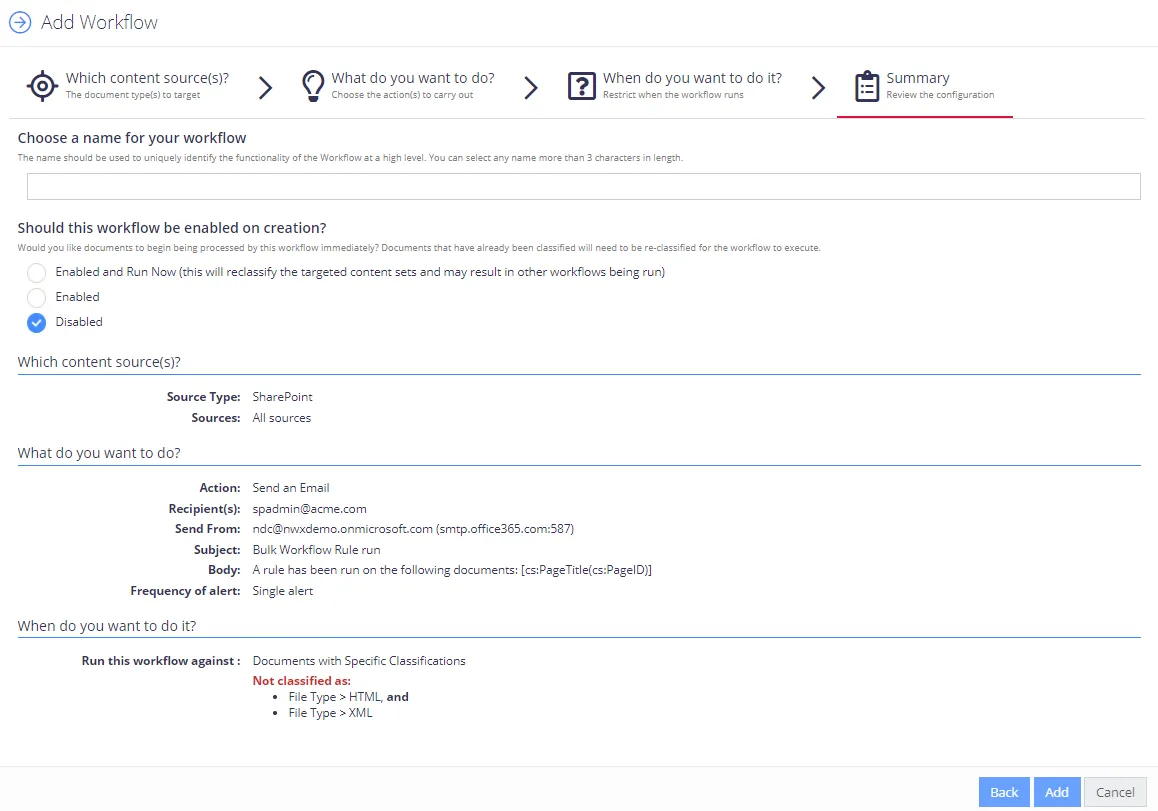
At this step, you need to provide workflow name, review its settings, and disable or enable the workflow (to start immediate processing). Do the following:
-
Enter workflow name. It should contain at least 3 characters.
-
Review the workflow settings you configured in the previous steps.
-
To process documents immediately after finishing the wizard, select Enabled. Otherwise, select Disabled and change this setting later in the UI.
noteDocuments that have already been classified will be re-classified before applying this automated workflow.
-
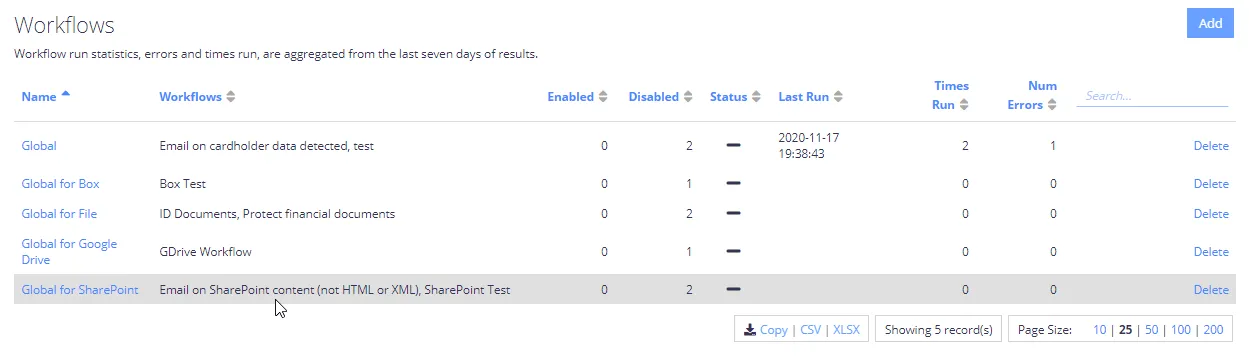
When finished, click Add to close the wizard. Your new workflow will be added to the list on the Workflows tab:
-
Navigate to Content → Sources and select Re-classify for the selected sources in the workflow.