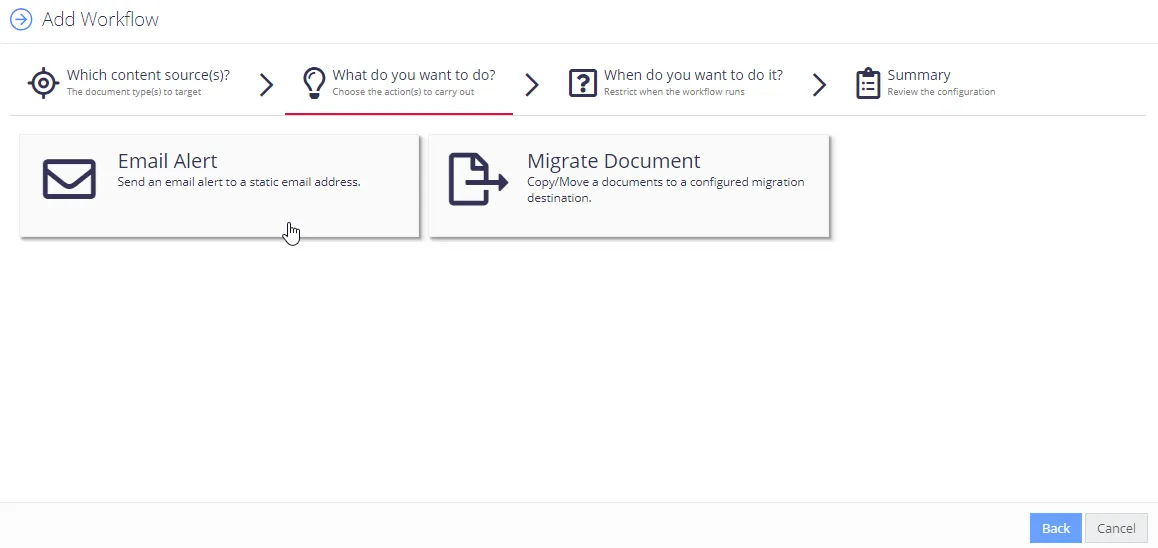
Step 2. Select Action
After you select the required type of content source, the system displays the automated actions available for that content type, such as sending an email alert or updating document metadata.
Click the action you need and configure the necessary settings. For details, see Available Actions.
When finished, proceed to the next step.