Configuration Options
Use the Config administration area to specify global system configuration settings. The default screen shows the most commonly amended settings.
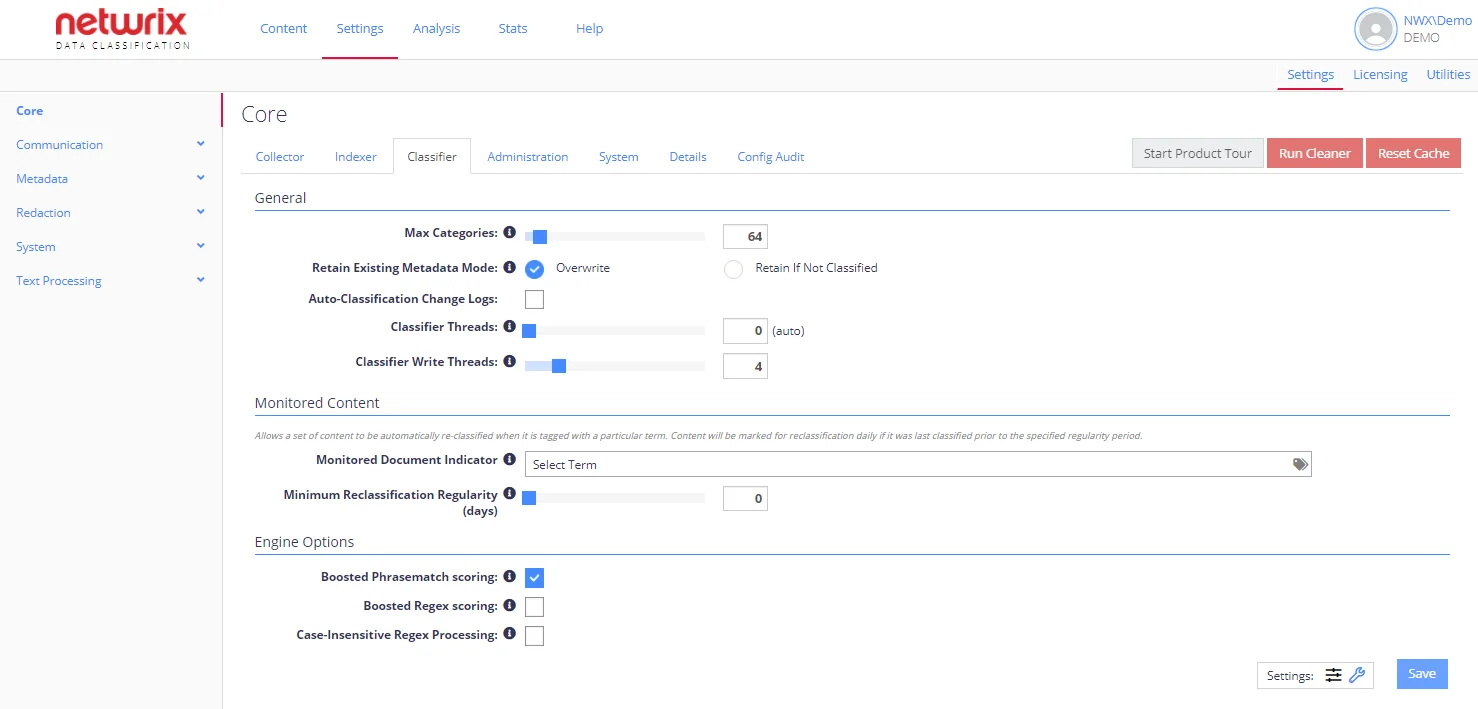
The most frequently used settings are displayed by default. To view additional configuration options, select the Advanced Settings (wrench icon).
See Users and Security Settings for more information.
See next: