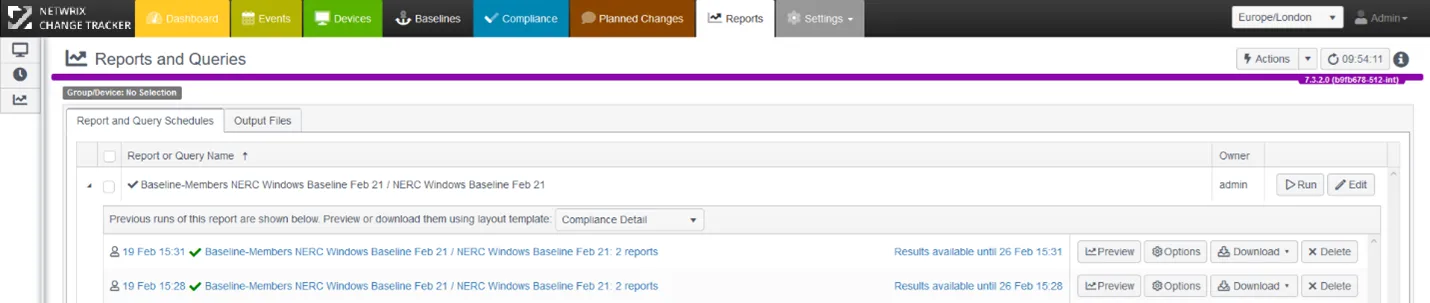
Baseline Policy Rule Options: Rule Creation Options
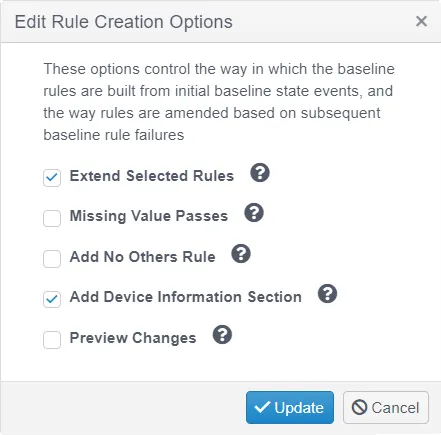
- Extend Selected Rules — Indicates whether to extend the rule to check for the old and new values, or replace the rule with one checking for the new value only
- Missing Value Passes — Indicates whether the rule passes if a rule item is missing (for example, if installed software isn't present on the target)
- Add No Others Rule — Indicates whether to add a rule to the sub-section that specifies that no other items of this type can be present on the target, other than the ones already specified in other rules. For example, this lets you specify a set of rules for software versions, plus the additional requirement that no other installed software is present
- Add Device Information Section — Indicates whether to add a section at the start of the report that describes the details of the device the report runs on, including OS and IP address details. This option applies only when Change Tracker operates a Per Device Baseline Policy — for a Group-wide Baseline Policy, disable this option.
- Preview Changes — Indicates whether to present a preview of the rule changes for confirmation before applying them.
From the CIS Controls 7.1: "For a complex enterprise, the establishment of a single security baseline configuration (for example, a single installation image for all workstations across the entire enterprise) is sometimes not practical or deemed unacceptable. It is likely that you will need to support different standardized images, based on the proper hardening to address risks and needed functionality of the intended deployment. For example, a web server in the demilitarized zone (DMZ) versus an email or other application server in the internal network. The number of variations should be kept to a minimum to better understand and manage the security properties of each, but organizations then must be prepared to manage multiple baselines."
Click the Query icon to get a quick tip on what the Rule Option provides.
Baseline Policy Rule Options: Review and Edit Rules
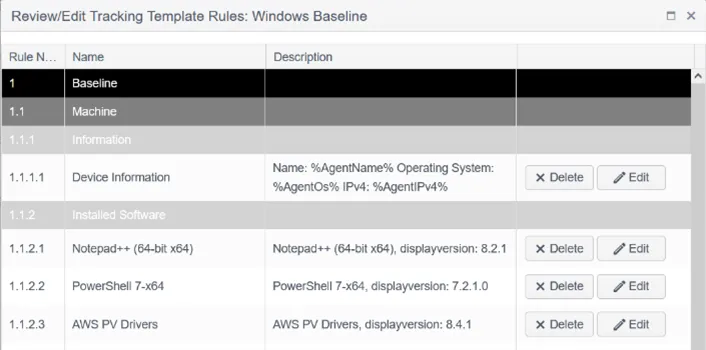
Edit Rules lets you edit or remove rules before incorporating them into your baseline policy, or manage an existing policy. During the Setup phase, you select items with rule logic to build a Netwrix policy — in effect, another compliance report like the hundreds of other reports Netwrix provides for CIS, NIST, PCI, and other frameworks.
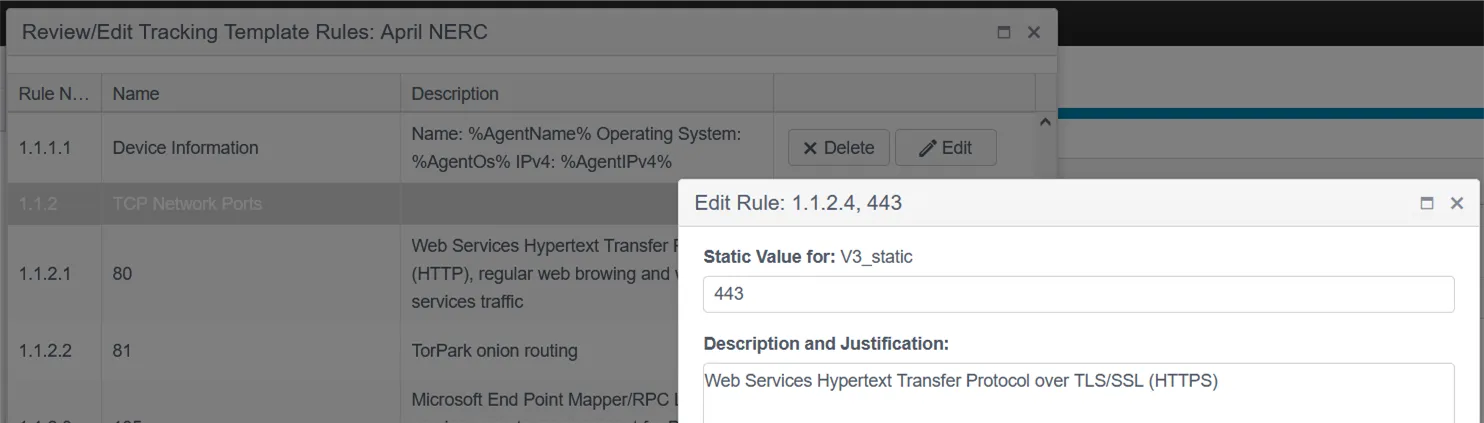
The Edit Rules function lets you add a description and justification for the attribute and its inclusion in the policy.
Change Tracker prefills the Description with default explanatory text for open ports and services. You can replace or add to this text with your own notes — an important consideration since any addition inevitably increases your attack surface. A minimized configuration is always the most secure.
Complete:
Baseline Policy creation is now complete, and you can run your first Baseline Policy report using the Run Report button.

Running the report takes you to the regular Reports tab, filtered to your new Baseline Policy. The main Reports section covers scheduling and controlling reports in more detail.
You can now either add more devices to the Baseline Members Group or assign the Baseline Policy to an existing group of devices, then choose your schedule and results delivery options.