Policy Templates: Network Port Tracker
The Network Port Tracker detects changes to the open network ports on either a single device or
a range or group of devices. The Tracker uses a range of network-scanning approaches: probing a
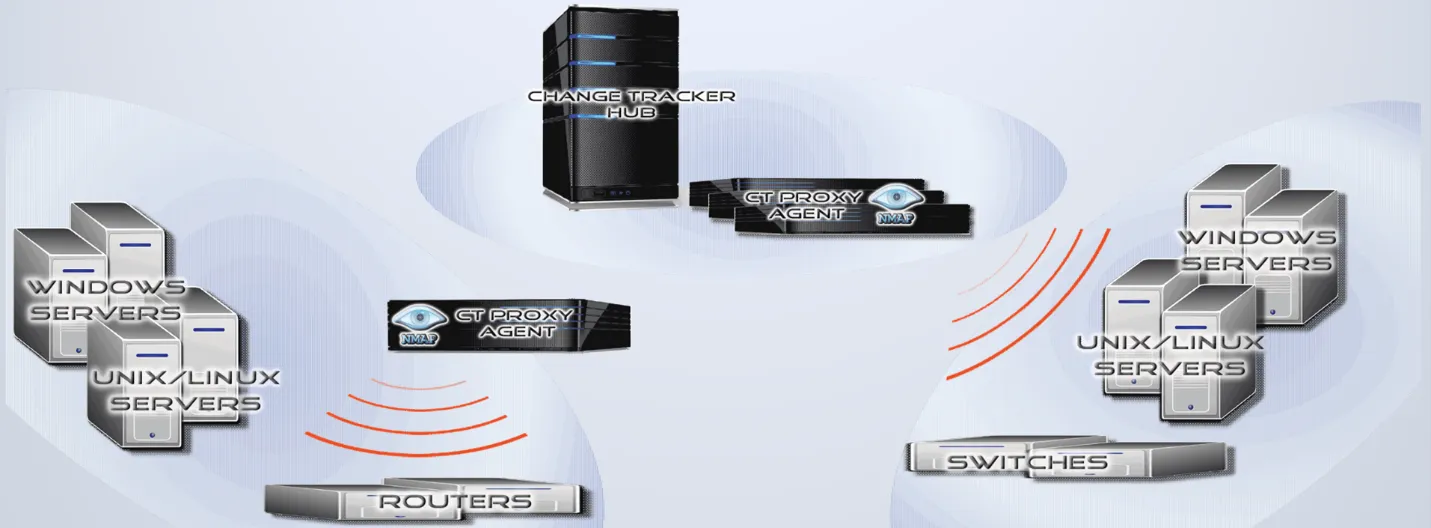
device externally over the network to determine whether TCP and UDP ports are open, or using a local
command on the device, such as netstat. A Netwrix Agent executes remote, external scans and uses
an NMAP instance installed locally on the Agent.
Three scanning options are available:
- Self-Scan – A local Agent scans the local host using local
netstat. The same Agent can run a full template, including all other Tracker types. - Remote Scan – A remote Agent scans the host or device. In this mode, you configure the remote device as a proxied device for the Agent in use, so other Trackers running against the proxied device require credentials. For example, Change Tracker can also track a Cisco Firewall running config if you assign valid credentials.
- Network Scan – A Netwrix Agent can scan a range of devices. In this case, you can name the 'device' 'The Network' or 'New York Office LAN', and define the address range as '192.168.1.1-255' or '192.168.1.18 192.168.1.19 192.168.1.20-100'. In other words, you specify individual addresses separated by spaces, and define ranges using a hyphen.
Install the NMAP package to the default program file location: Program Files (x86)\Nmap on
Windows, or /usr/bin/ on Linux.
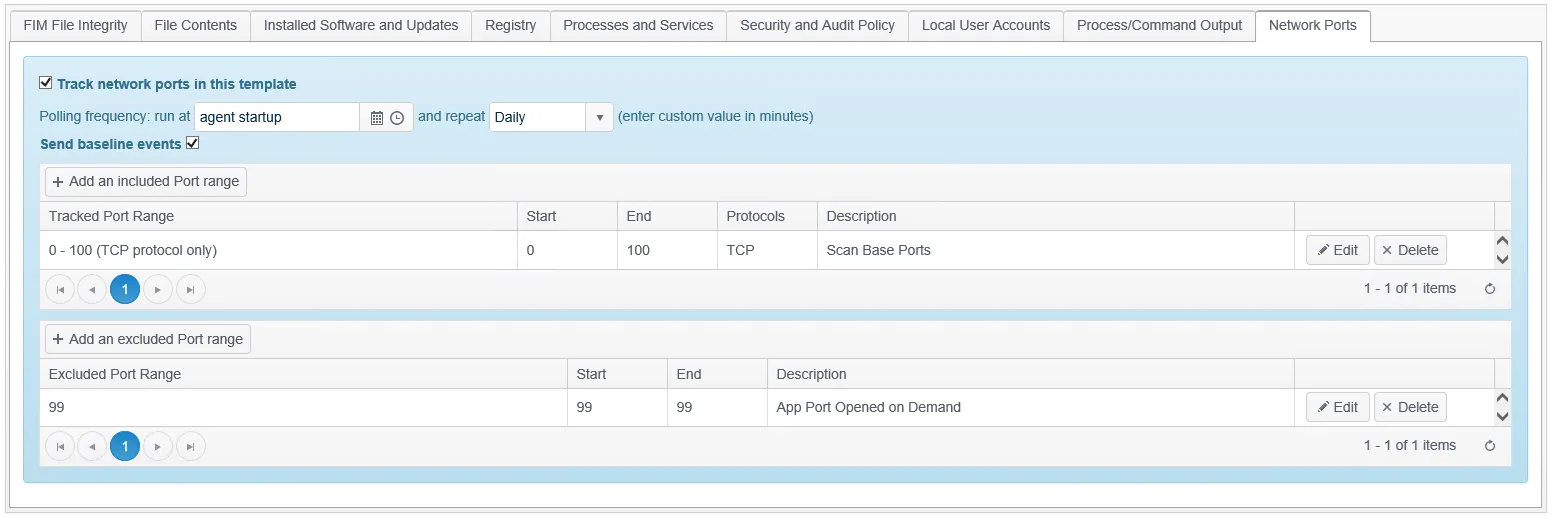
You configure the Network Port Tracker by specifying port ranges to include and exclude from the scan. You can also select the protocol used for each range: TCP, UDP, or both.
As with any UDP scan, the non-acknowledged nature of UDP requires a more intensive, slower approach, which may result in scan times exceeding 24 hours.