Agents and Devices
Netwrix Change Tracker automatically assigns devices to a group based on the results of the New Device Discovery policy report. You can edit device attributes such as Group, Type, and Credentials, or delete devices, using the following options.
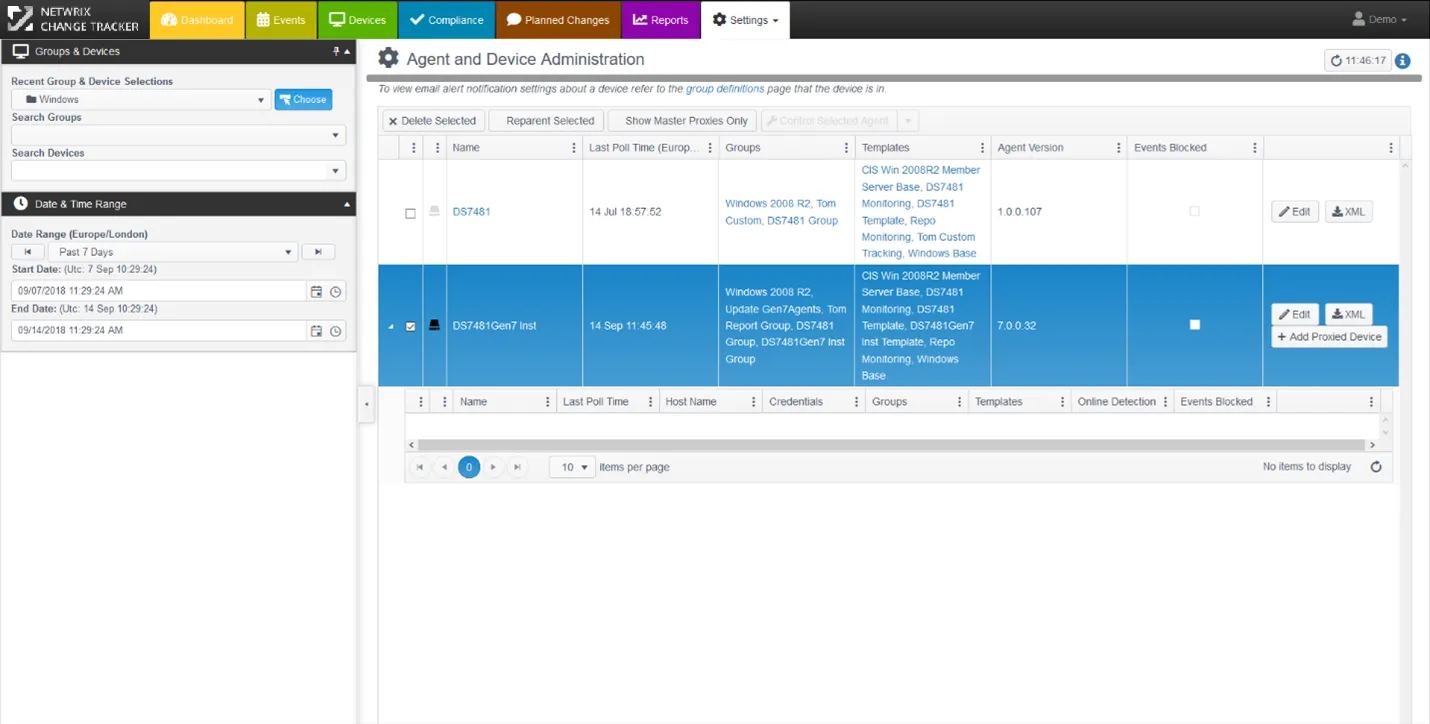
- Netwrix Change Tracker automatically assigns devices to a Device Group based on the Discovery Report results, but you can override this here;
- The Last Poll Time filter also lets you filter devices by a before or after date and time;
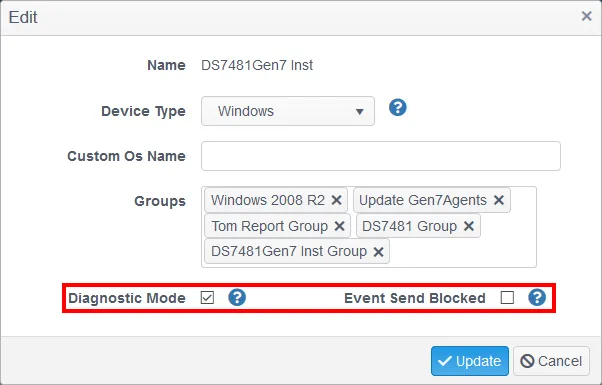
- Click Edit to change Group Assignment and to enable Diagnostic Mode or to Block Events from the Device;
- Diagnostic Mode generates more detailed dialogue from the Agent regarding its operation, for example, Baselining progress – this is disabled by default to reduce activity and events storage;
- Event Send Block lets you temporarily block events for a device, for example, when a misconfigured template generates too much noise.
note
Use the Filter Control Panel to focus on specific devices or groups.
note
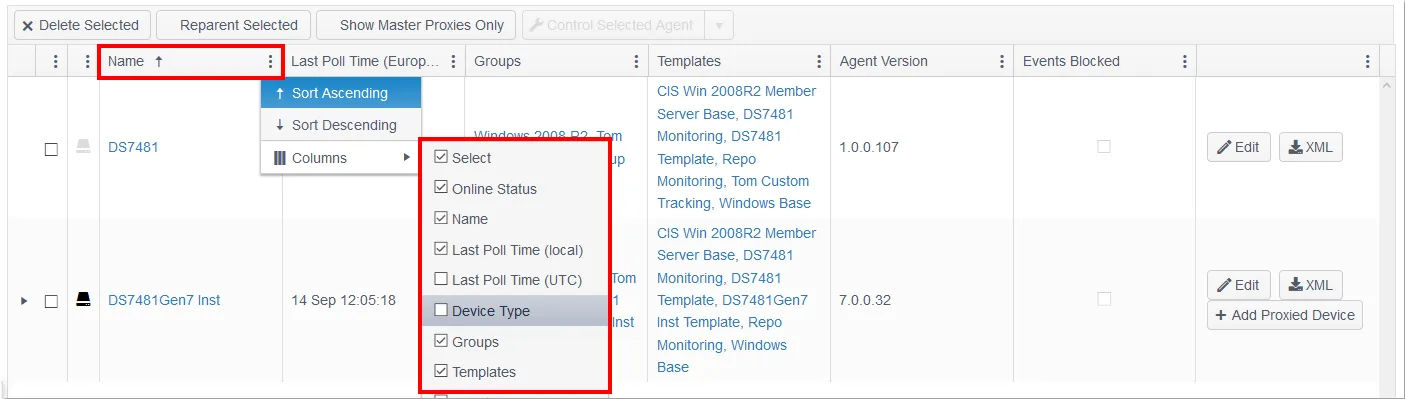
Click the menu icon alongside any column heading to get a full list of column options.