Work with Collected Data
-
On the computer where you executed the add-on, navigate to Start > All Programs > Event Viewer.
-
In the Event Viewer dialog, navigate to Event Viewer (local) > Applications and Services Logs > Netwrix Auditor Integration log.
-
Review events.
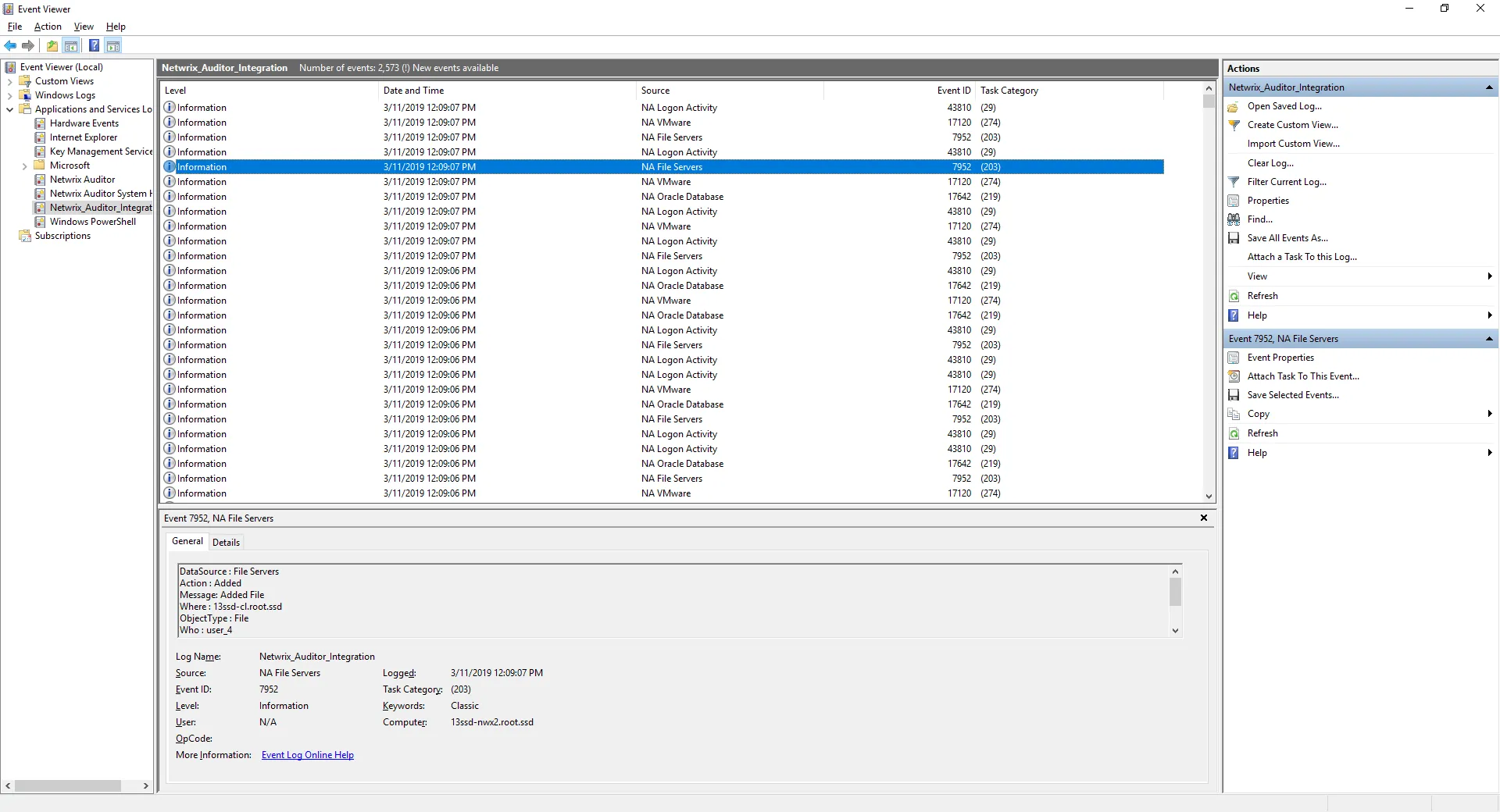
Now you can augment Windows event log with data collected by the Auditor.