Windows File Server Activity Auditing Configuration
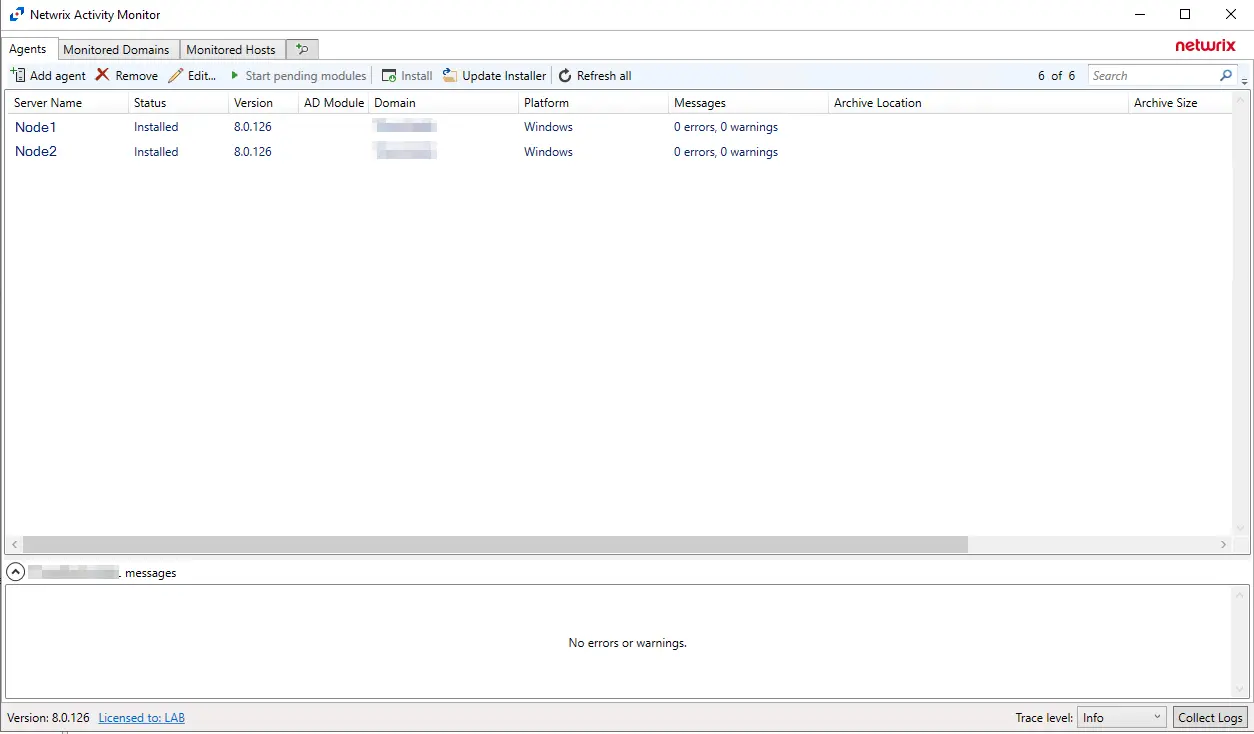
In order for the Netwrix Activity Monitor to monitor Windows file server activity, you must deploy an Activity Agent to the server, not to a proxy server. However, additional considerations apply when targeting a Windows File System Cluster.
Windows File System Clusters
to monitor a Windows File System Cluster, an Activity Agent needs to be deployed on all nodes that comprise the Windows File System Cluster. The credential used to deploy the Activity Agent must have the following permissions on the server:
- Membership in the local Administrators group
- READ and WRITE access to the archive location for Archiving feature only
It is also necessary to enable the Remote Registry Service on the Activity Agent server.
For integration between the Activity Monitor and Access Analyzer, the credential used by Access Analyzer to read the activity log files must have also have this permission.
Single Role (Basic) Setup
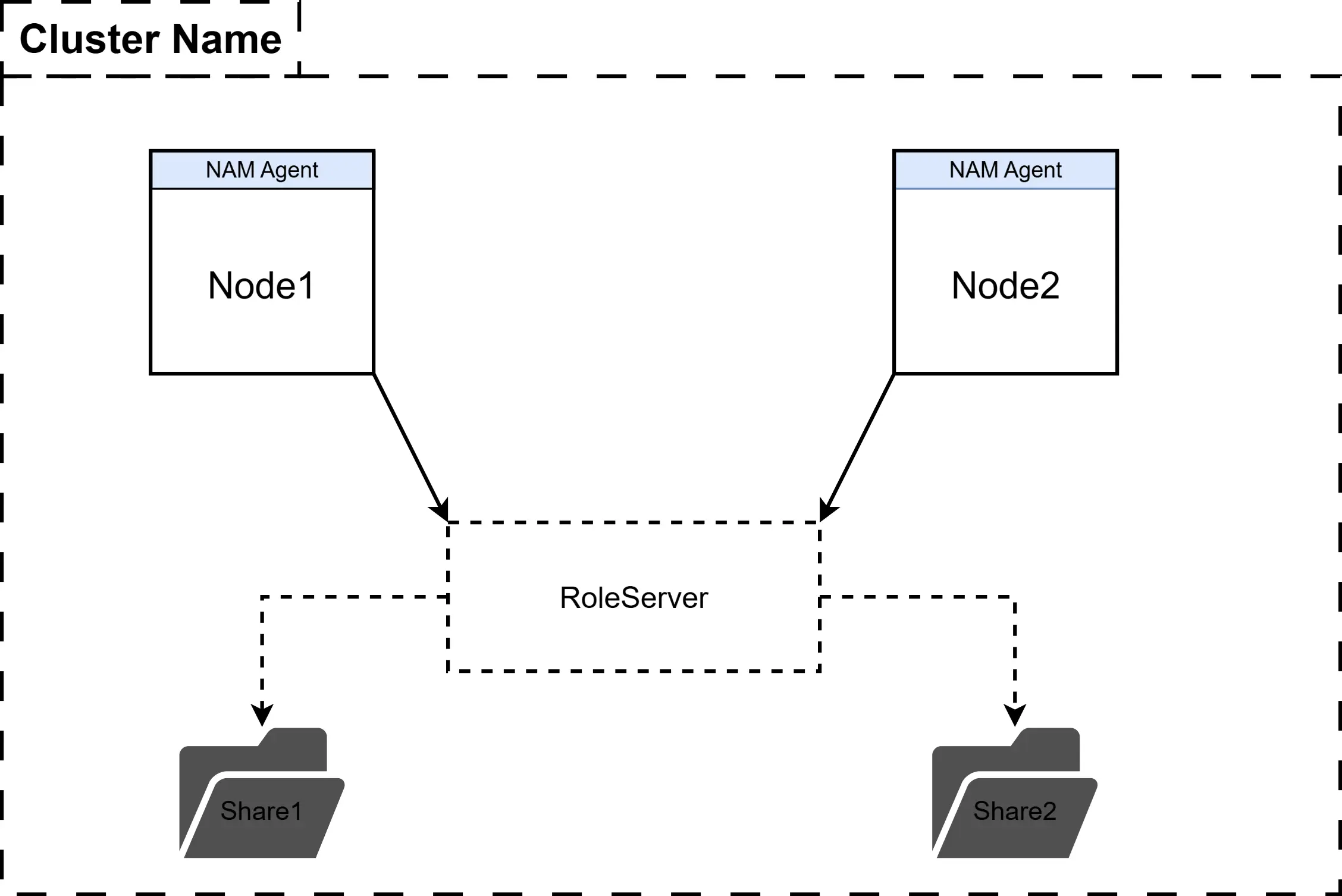
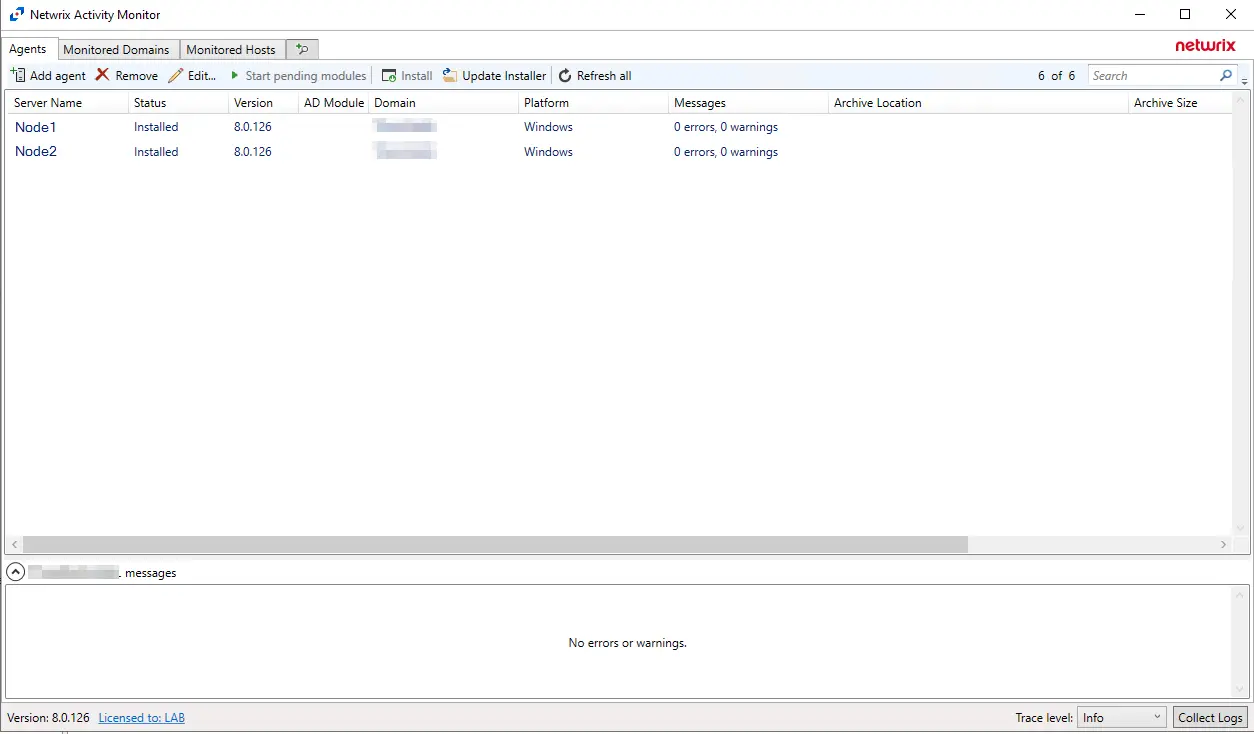
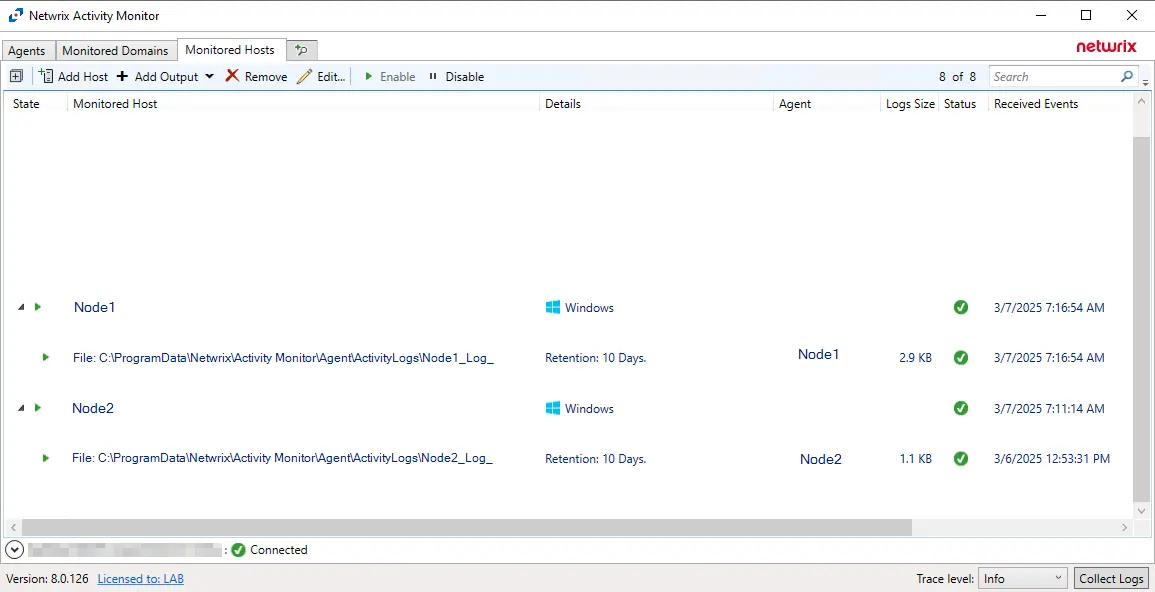
- Install an Activity Monitor agent on all nodes in the cluster.
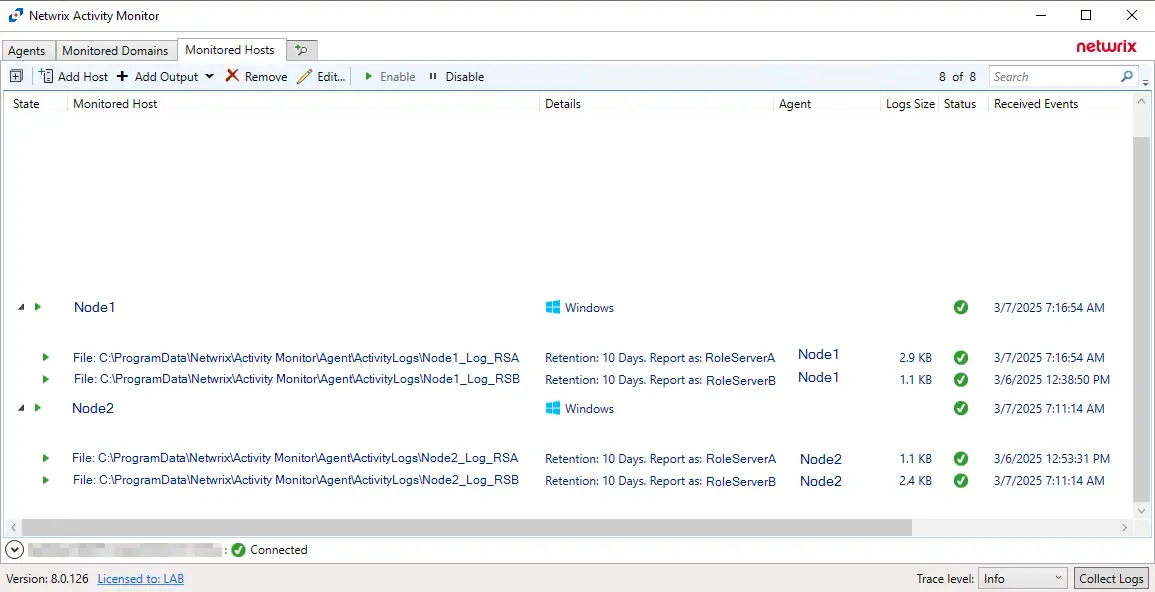
- Configure a Monitored Host with event source type of “Agent’s Windows host” for each node.
Multi-Role (Advanced) Setup
- Install an Activity Monitor agent on all nodes in the cluster.
- Configure a Monitored Host with event source type of “Agent’s Windows host” for each node.
- On the Additional Properties tab of each file output, set the Report hostname as value to match the Role Server it will be scoped for.
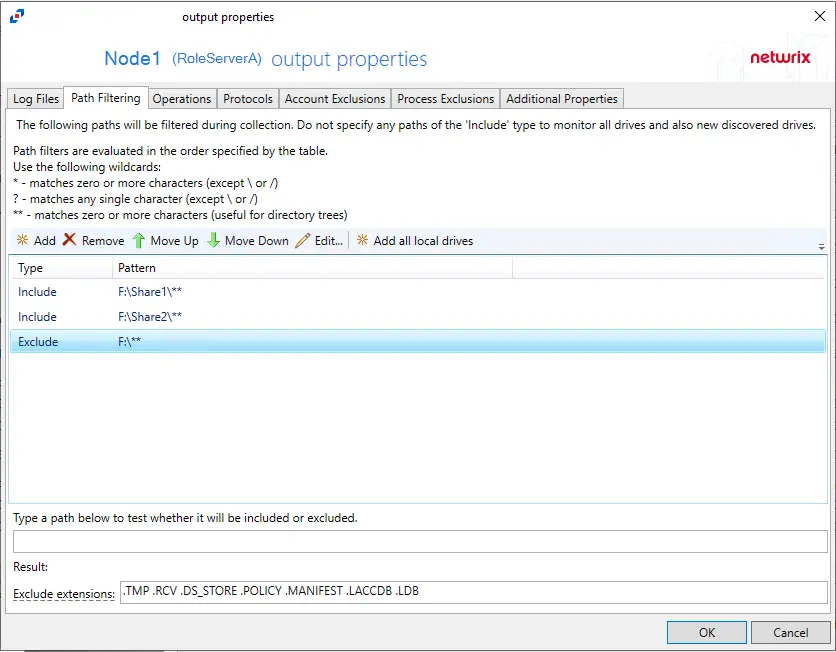
- On the Path Filtering tab of each file output, scope the log to only look at the shares for their respective role servers.
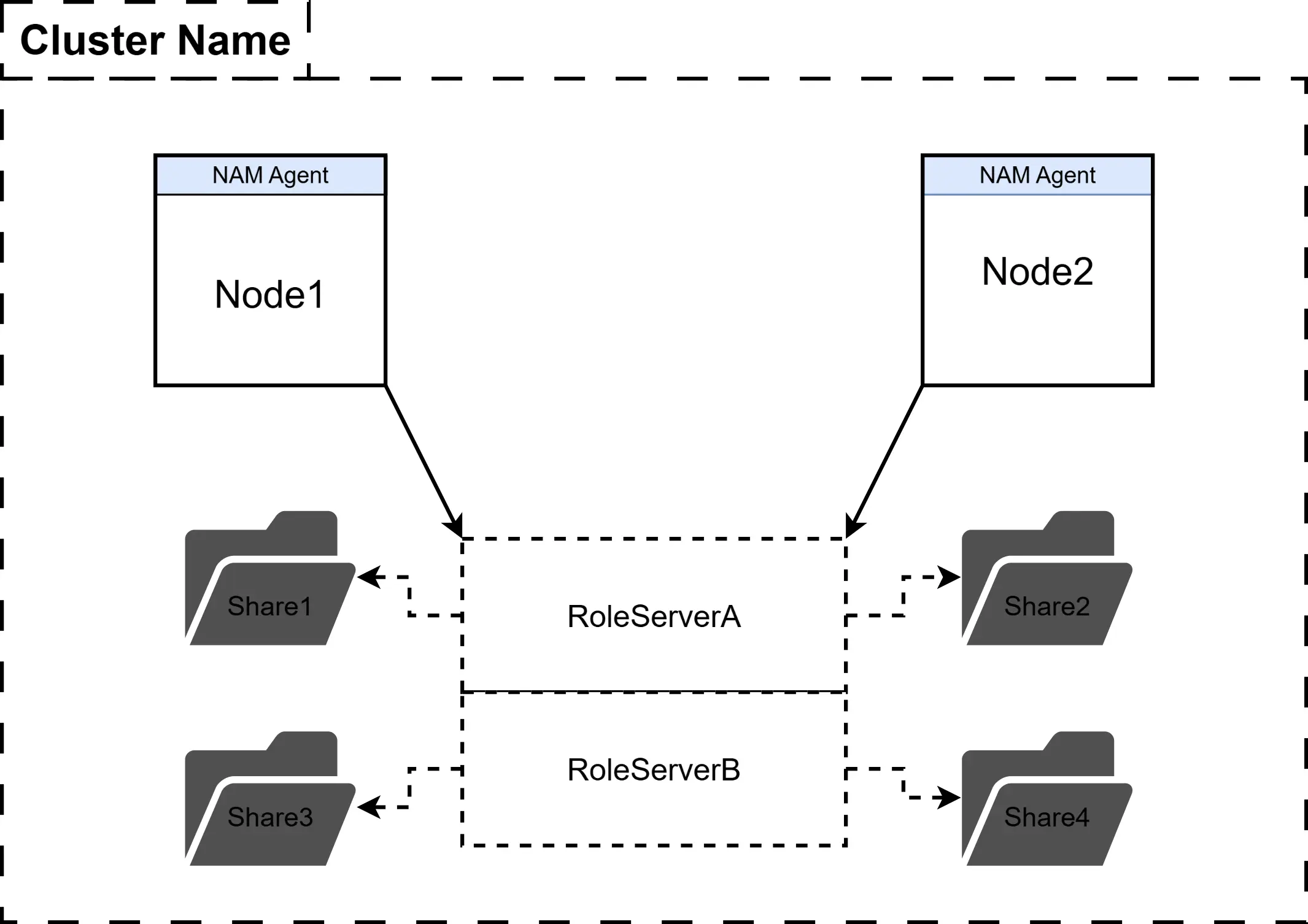
The cluster contains RoleServerA and RoleServerB. RoleServerA contains two shares: Share1 & Share2. RoleServerB contains two shares: Share3 & Share4.
- There should be two File Outputs under Node1 & Node2 to match the two Role Servers.
- The first file output should contain scoping that includes Share1 & Share2, but excludes all others.
- The second file output should contain scoping that includes Share3 & Share4, but excludes all others.