Additional Properties Tab
The Additional Properties tab on an output Properties window is where comments and displayed host name can be modified. These settings are initially configured when the output is added.
Select an output from the Monitored Hosts tab and click Edit to open the output Properties window.
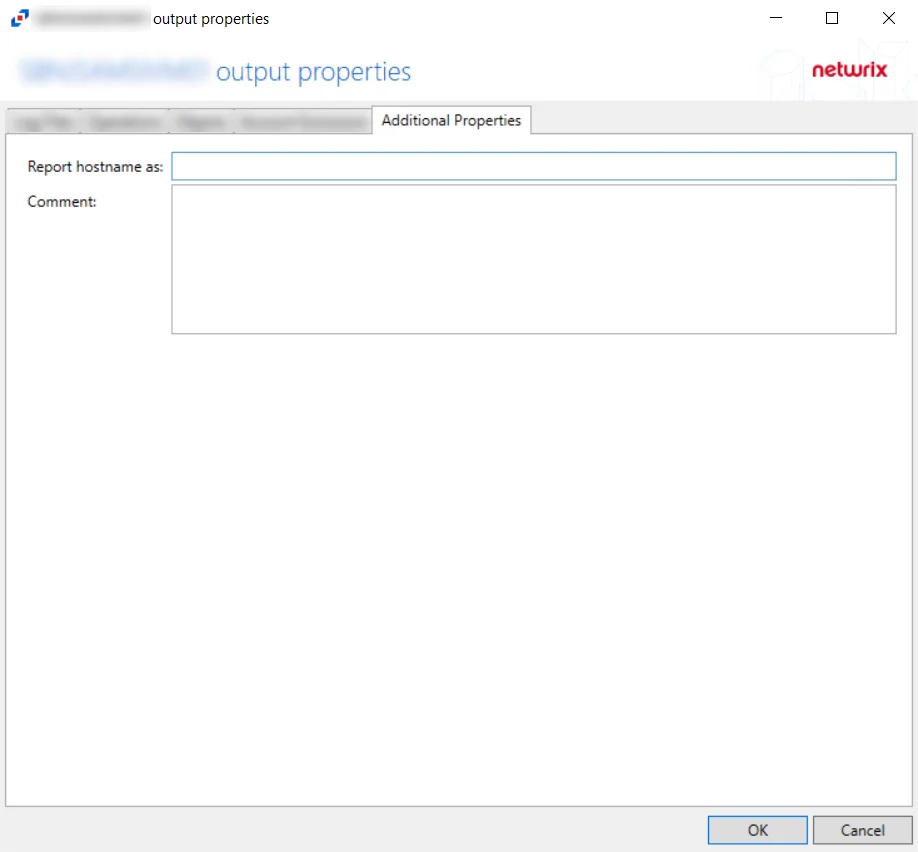
The options are:
- Report hostname as – The value entered here will customize the hostname that is reported for the event in the activity log outputs
- Comment – The value entered here will appear in the Comments column in the Monitored Hosts tab table.
Often, the Additional Properties Tab is used to indicate the purpose of the output, e.g. for Netwrix Enterprise Auditor. This can be useful if using multiple outputs with different configurations for different purposes. For example, a SharePoint site could be added as a host and configured for Netwrix Enterprise Auditor data collection. It can be added again with different monitoring options and be configured for SIEM notification.
Click OK to commit the modifications. Click Cancel to discard the modifications. The output Properties window closes.
Integration with Netwrix Threat Prevention for NAS Monitoring
If you deploy a Threat Prevention Agent to the same Windows proxy server where an activity agent monitors NAS devices, the Comment column in the monitored hosts table identifies the host as being "Managed by Threat Prevention", and you can't edit that 'monitored host' configuration through the Activity Monitor Console. Simply add the host again for other outputs.