Configure LDAP Monitoring for Netwrix Threat Manager
note
LDAP Monitoring isn't enabled, it must be enabled in the Monitored Domains tab.
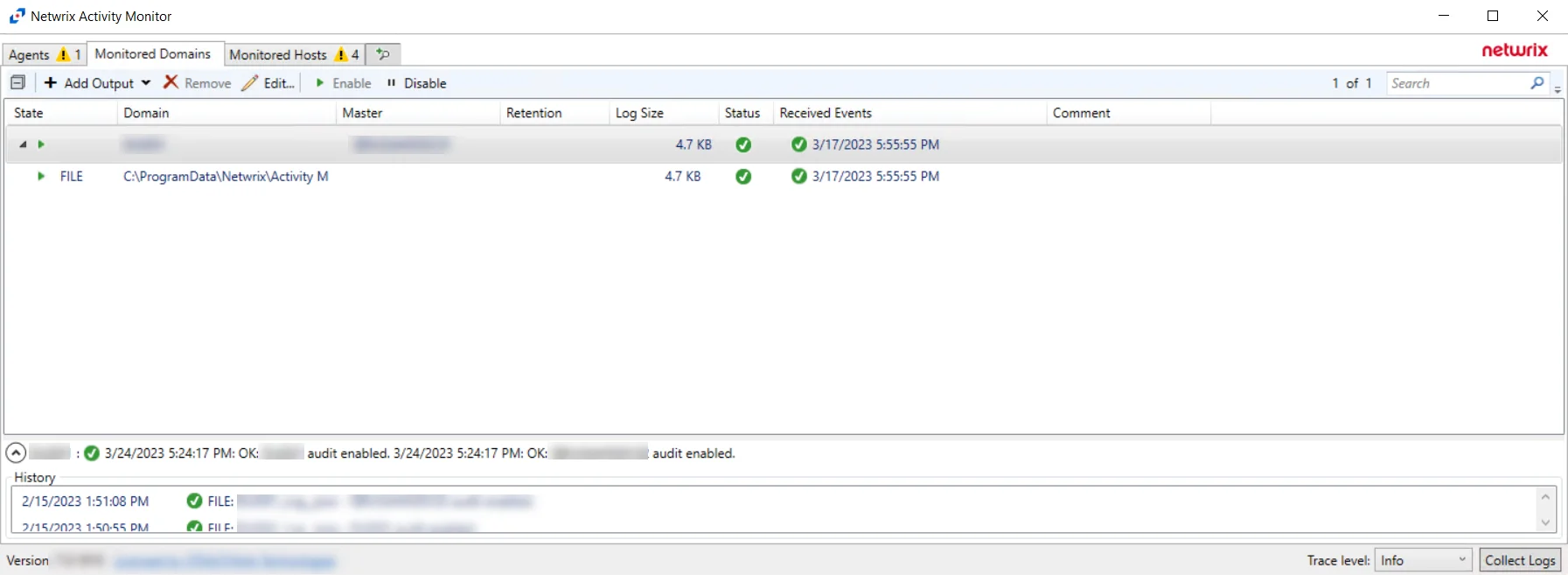
Step 1 – In the Activity Monitor, click the Monitored Domains tab.
Step 2 – Select a domain and click Edit.
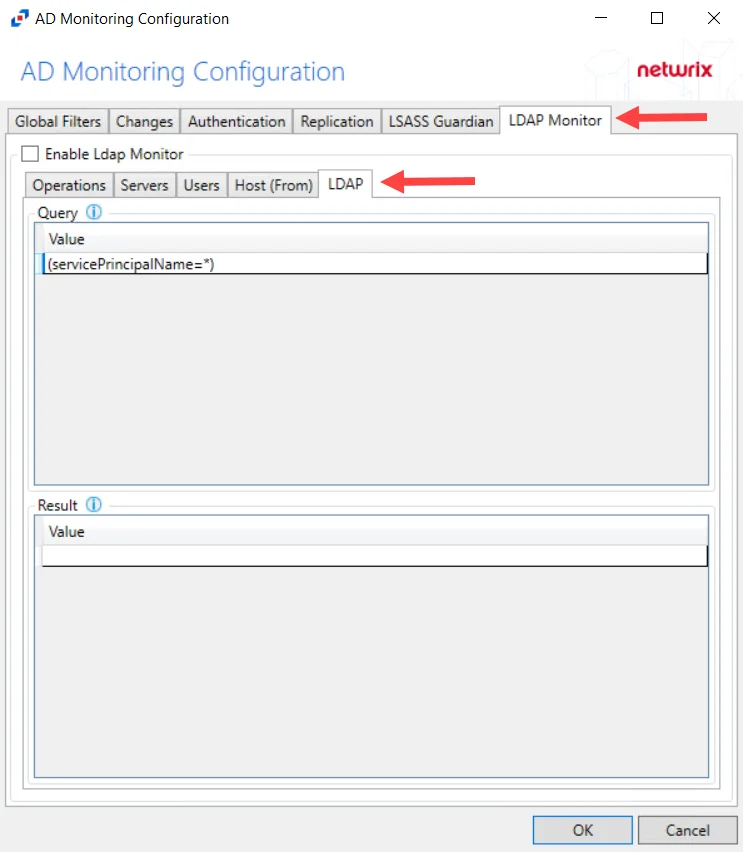
Step 3 – Select the LDAP Monitor tab.
Step 4 – Select the LDAP tab.
Step 5 – In the “Query” section, double-click the blank line below the last filled in line.
Step 6 – Paste the string copied from Threat Manager and press Enter.
LDAP monitoring has been configured for Threat Manager.