Settings
Settings holds what applies to the whole installation rather than to one source or scan: Sensitive data scan and Netwrix Activity Monitor defaults, Activity Monitor agent enrollment, feature flags, user accounts, single sign-on, backups, and system logs. Open Configuration > Settings in the sidebar. Every role can open the page, but it shows only the tabs your role can use.
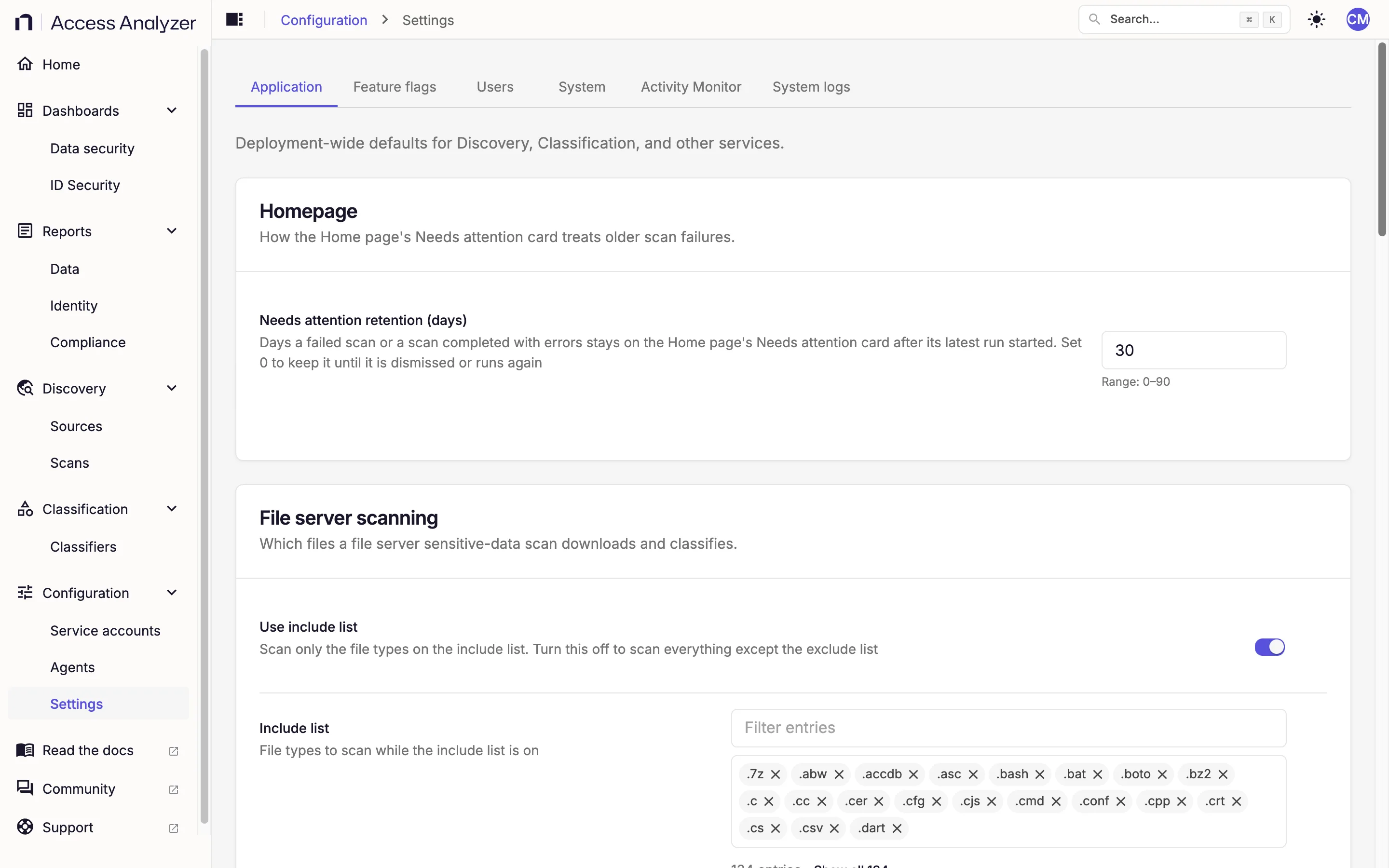
Tabs
| Tab | What it holds | Who sees it |
|---|---|---|
| Application | Deployment-wide defaults for the Home page, Sensitive data scans, classification, and the audit log | Admin, Viewer |
| Feature flags | Experimental toggles for optional scan features | Admin, Viewer |
| Users | User accounts, their roles, and whether each account is active | Admin, User admin |
| System | Backups and single sign-on | Admin, User admin |
| Activity Monitor | The enrollment token for Netwrix Activity Monitor agents, the enrolled agents, and the Settings dialog with the Activity Monitor connection settings | Admin |
| System logs | Application logs from every component, with search, filter, and download | Admin |
Permissions by Role
Admin reads and changes everything on every tab. The Backups card on System is Admin-only even though User admins also see that tab. Admins land on the Application tab when they open Settings.
User admin gets the Users and System tabs and lands on Users when opening Settings. On System, a User admin sees the Single sign-on card but not the Backups card. A User admin also can't grant the Admin role or change an existing Admin's account.
Viewer gets the Application and Feature flags tabs but can't save changes on either. The controls look editable, but every save fails with the message Some settings were not saved.
Users and roles describes each role and what it can do across the rest of the product.
Timing of Saved Changes
Saving an Application setting or a feature flag doesn't restart anything. Access Analyzer picks up the change on its own within 5 minutes; a feature flag can take about a minute longer to reach the classification engine. That has two consequences:
- Classification settings apply to Sensitive data scans that start after the change takes effect. A scan that's already running keeps the values it started with.
- Netwrix Activity Monitor settings apply to connections opened after the change takes effect. An Activity Monitor agent that's already connected keeps its current session.