Access Analyzer
What Access Analyzer Is
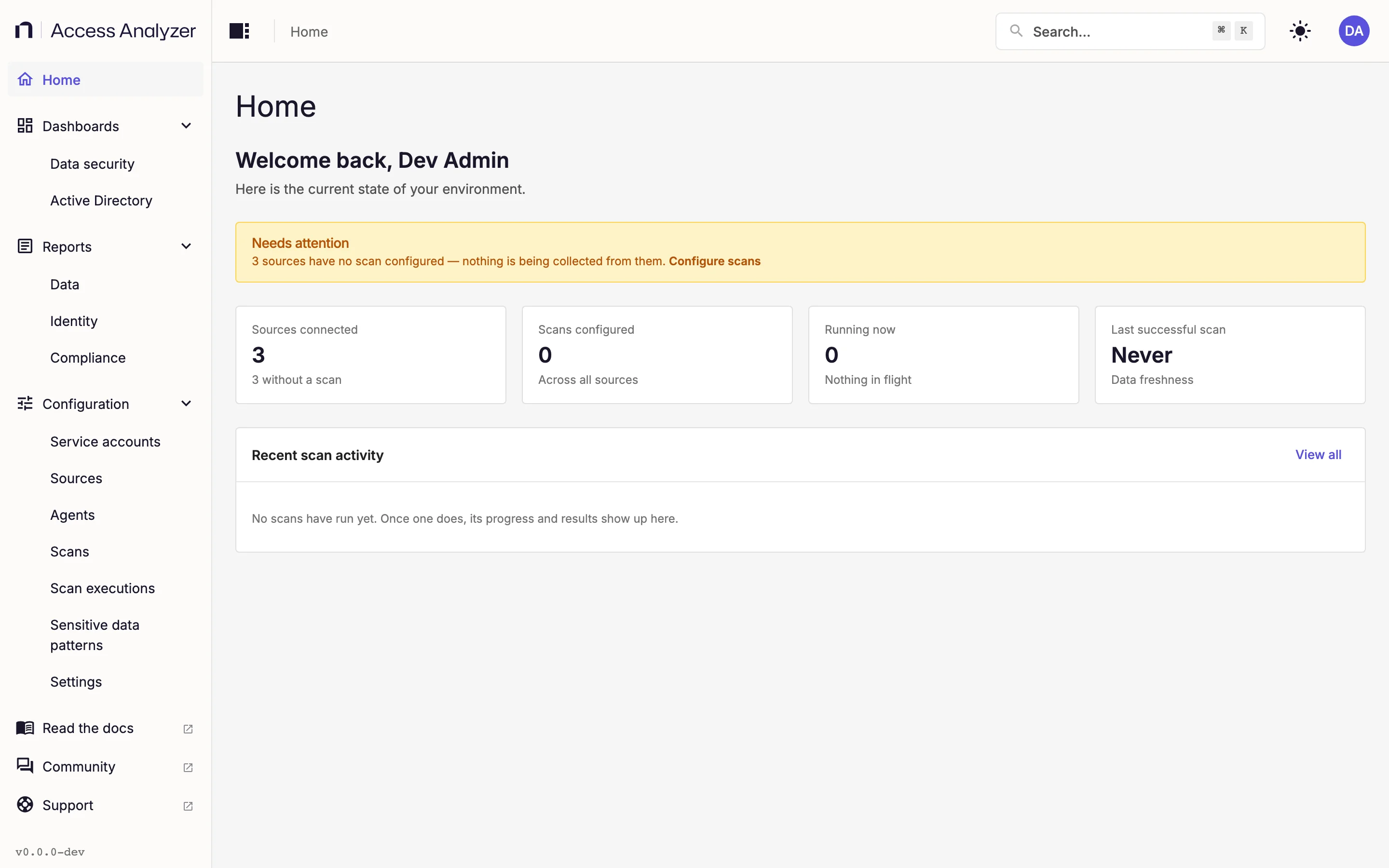
Netwrix Access Analyzer is a self-hosted web application that you install on a Linux server you own. It scans your file servers and cloud storage platforms, and builds a picture of where sensitive data lives and who can reach it. It belongs to the data security posture management (DSPM) category of products. Key concepts defines the terms used throughout.
What It Does
Sources
Access Analyzer collects permissions and inventory from SMB file servers (the File Server source type), Active Directory, Entra ID, and Microsoft 365 (the SharePoint Online source type). Each connected system is a source, and most will connect with a service account. This doc on Sources covers each type.
Scans and Agents
A scan defines:
- what to collect
- from which sources
- and when
An Access Scan inventories shares, folders, files (and their metadata), and sites with their permissions. Sensitive Data Scans read each file's content, so they take longer. An Identity Sync pulls users, groups, and memberships from a directory service. Scans can run on demand or on a schedule. Every scan runs on an Agent: the System agent built into the server, or agents you deploy on other Linux hosts and pick with labels. See Scans and Agents for what they are and how to use them.
Sensitive Data
Sensitive Data Patterns are regular expressions that you can group by compliance program, data category, or any other system you choose. Access Analyzer ships 139 built-in patterns in 11 groups, and you can add your own. A scan records which patterns matched in a file and how many times, but never the matched text. See Sensitive data patterns.
Dashboards and Reports
Two dashboards, Data security and Active Directory, summarize what your scans have found. Reports under Data, Identity, and Compliance each answer one question, such as which folders have broken permission inheritance or which files contain sensitive data. See Dashboards and reports.
Activity Data
Scans show who can reach what data. To see who used that access, you can connect Netwrix Activity Monitor, which streams the events it records on file servers, SharePoint Online, Microsoft 365 Copilot, and other systems to Access Analyzer. They fill the Activity tab of the Data security dashboard and the Activity Investigation report. See Integrations.
Users and Sign-in
Every user in Access Analyzer can have one of three roles: Admin, User Admin, or Viewer. Admins can change anything, User Admins manage other accounts only, and Viewers have read-only access. Users can sign in with a local account or, after you connect a directory service, with Active Directory or Entra ID credentials. See Users and roles and Single sign-on under Settings.
Where to Start
Start with Installation: pick a size, prepare the server, and run the installer. Then sign in for the first time, change the one-time password, and connect a directory or leave that for later. After that, follow the Guides, one per platform, to populate your first report. Before a rollout, read What's new in 26.1 and Known limitations.