Overview
Service accounts store the credentials Access Analyzer uses to authenticate against data sources during scans. Each data source connector requires a specific credential type, and the source group wizard automatically selects the correct type when you set up a new source group.
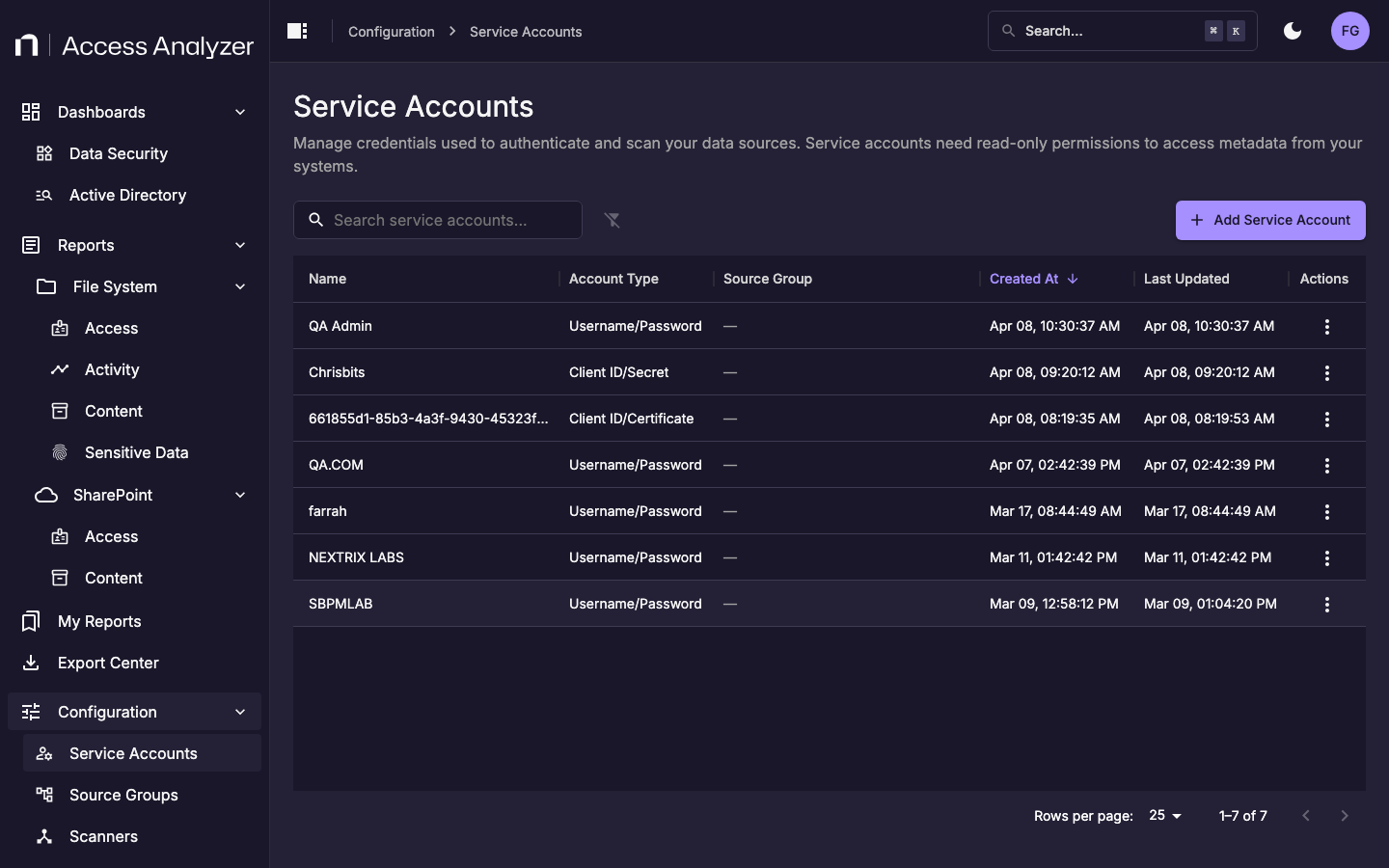
Navigate to Configuration > Service Accounts to manage service accounts.
Credential types by data source
| Data Source | Credential Type |
|---|---|
| Active Directory | Username and Password |
| File Server | Username and Password |
| Entra ID | Client ID/Secret |
| SharePoint Online | Client ID/Certificate |
| SSH-based sources | SSH Username/Key |
Creating a service account
You can create a service account in two ways:
- In advance from Configuration — Navigate to Configuration > Service Accounts and click Add Service Account. Select the credential type and enter the required fields.
- Inline during source group setup — Click + next to the Service Account field in the source group wizard. The wizard locks the credential type to match the connector being configured.
Editing service accounts
Credential fields — passwords and client secrets — are never pre-populated when you edit an existing service account. You must re-enter them each time you save changes.
Updating the service account on an existing source group replaces the credentials used for all future scans in that source group. Ensure the replacement account has the required permissions before saving.