Delete a Storage Profile
To delete a Storage Profile:
note
This procedure doesn't delete databases from the SQL Server. It only removes the selected Storage Profile from this Access Analyzer Console.
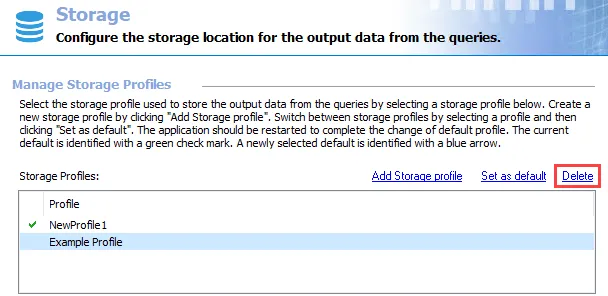
Step 1 – Select the Storage Profile you want to delete, and click Delete.

Step 2 – Confirm the operation by clicking OK.
Step 3 – The profile disappears from the Storage Profiles list. Click Save and then OK to confirm the changes.
Access Analyzer deletes the Storage Profile.