ServiceNow
The ServiceNow® node is for configuring the settings needed to integrate with ServiceNow. These settings are exclusive to the Access Analyzer integration with ServiceNow, and the ServiceNow Action Module uses them. See the ServiceNow Action Module topic for additional information.
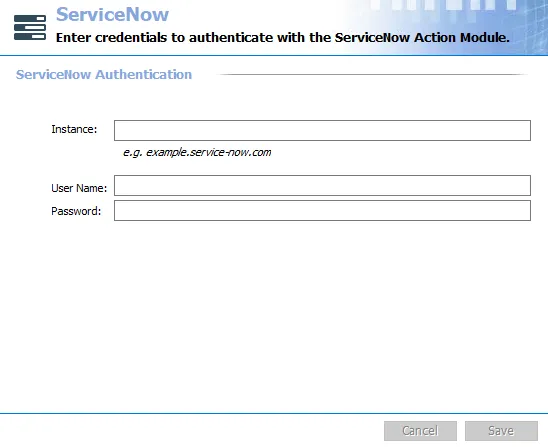
Provide ServiceNow authentication information to your ServiceNow instance.
- Instance – The ServiceNow instance, for example
example.service-now.com - User Name and Password – You can configure the Settings > ServiceNow node at the global level with a credential provisioned to create incidents as Callers in the Assigned to field, and any other ServiceNow incident field that references the sys_user table.
The Cancel and Save buttons are in the lower-right corner of the ServiceNow view. These buttons become enabled when you modify the ServiceNow global settings. Whenever you make changes at the global level, click Save and then OK to confirm the changes. Otherwise, click Cancel if you didn't intend to make changes.
Update ServiceNow Authentication Credentials
Step 1 – In the ServiceNow Authentication section, enter a new Password for the user account.
Step 2 – Click Save.
Access Analyzer updates the credentials for ServiceNow authentication.