Paging
Use paging to interact with large sets of data more efficiently when viewing, filtering, and sorting generated report tables by limiting the amount of data displayed at a given time. Reports let you navigate to specific pages using arrows at the bottom of the report. Paging is enabled by default. See the Grid topic for additional information.
note
Paging and grouping can't be enabled at the same time. When Paging is enabled, the Grouping options are disabled for the report.
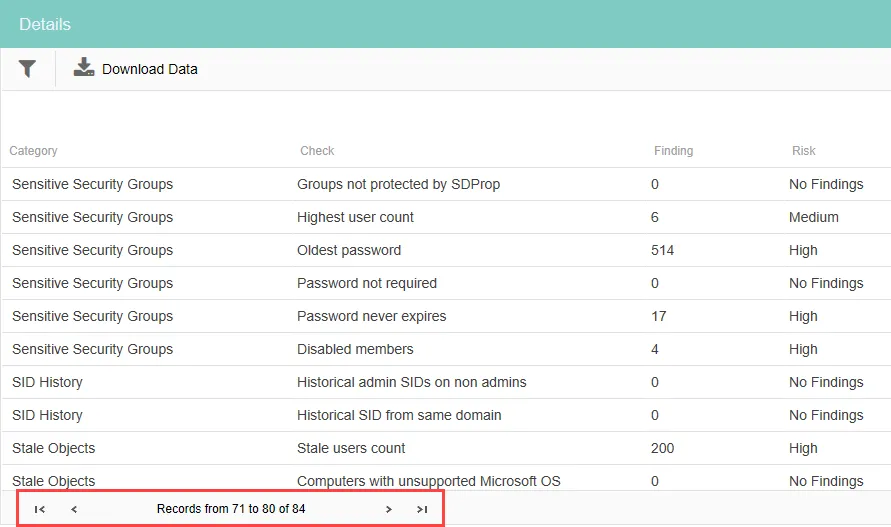
When paging is enabled, arrows appear so you can navigate to the next page, last page, previous page, or first page. If the data is filtered, it is indicated at the end of the line. Each page contains 10 records.