Activities Pane
The Activities pane displays a list of activities which can be conducted within the selected console section. It is only visible if there are activities available for the selected section. In the few cases where the Results pane is a wizard, this pane becomes the navigation pane for the wizard, e.g. the Access Analyzer Host Discovery Wizard. If the selected console section has an associated Activities Pane, it appears on the right-hand side of the Access Analyzer Console.
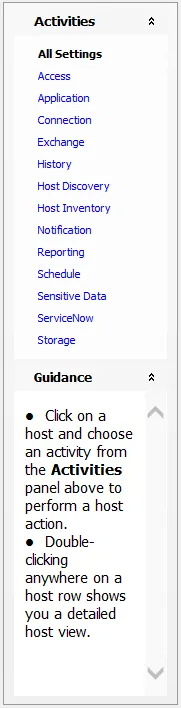
The following console sections have associated Activities Panes:
- All Global Settings > [Settings] nodes
- Host Management nodes
- Host Discovery node
- Jobs > [Job Group/Job] > Settings node
The Guidance section of the Activities Pane will display context sensitive information depending on what the selected console section is.