SPAA: Activity Date Scope
Use the Activity Date Scope page to configure the range of dates for which the SharePoint activity scan collects data. It's a wizard page for the category of Scan SharePoint Activity.
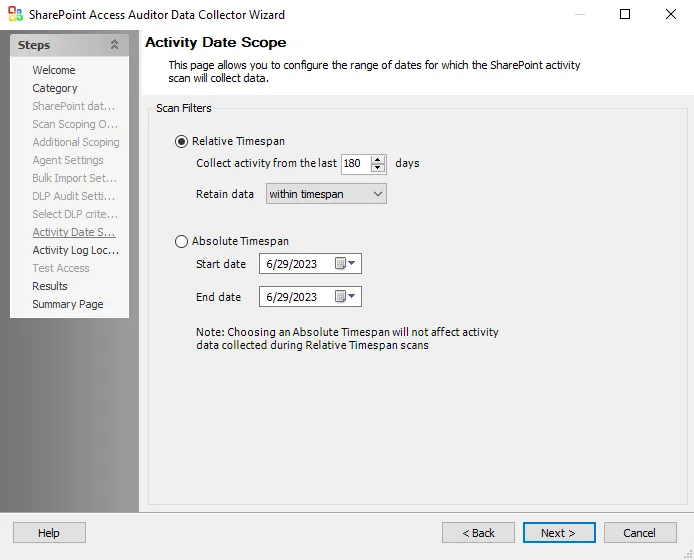
Use the radio buttons to select the Scan Filters.
-
Relative Timespan
- Collect Activity from the last 180 days – Configure the number of days to collect activity with the up and down arrows
- Retain data – The timespan for data retention. Select from the dropdown list:
- within timespan
- forever
-
Absolute Timespan
- Start date – Click the down arrow to access the calendar and select the start date for data collection
- End date – Click the down arrow to access the calendar and select the end date for data collection
noteSelecting Absolute Timespan will not affect activity data collected during Relative Timespan scans.