SMARTLog: Results
Use the Results page to select the events that the query returns. It's a wizard page for all log types. You can also select the description strings within the log records for the query.
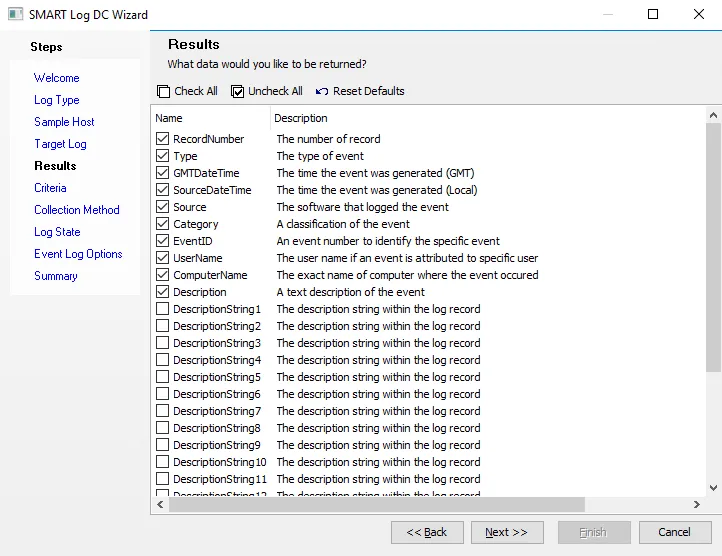
Click Check all to select all properties, Uncheck all to deselect all properties, or Reset Defaults to return to the default settings. Available properties vary based on the category selected.