INIFile: Properties
The Properties page identifies data about the INI file for auditing.
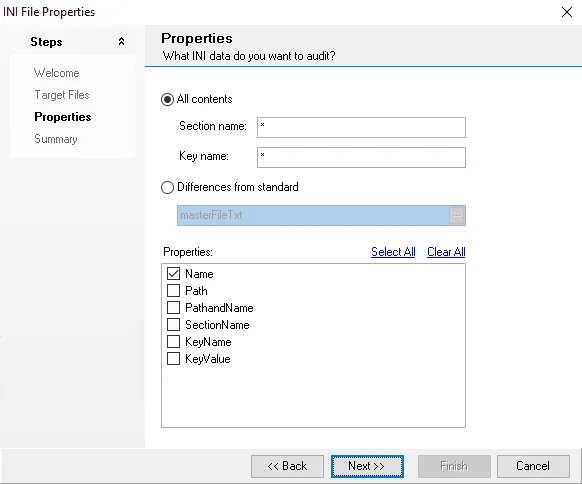
Use the following options to determine which data to adult:
-
All contents – Collect all contents from the INI file
noteUse
*to match a wildcard or single character.- Section name – Collect data matching section name from the INI file
- Key name – Collect data matching key name from the INI file
-
Differences from standard – Select a master control file to compare the current target against
- Click the ellipses (…) to open a file explorer window
- Select an appropriate .INI file
-
Properties – Select a checkbox next to any desired properties, or use Select All or Clear All.
If Differences from standard is selected, all properties are selected and can't be altered.