FSAA: Bulk Import Settings
Use the Bulk Import Settings page to configure the bulk import process settings. It is a wizard page for the categories of:
- Bulk Import File System Access/Permission Auditing
- Bulk Import File System Activity
- Bulk Import Sensitive Data
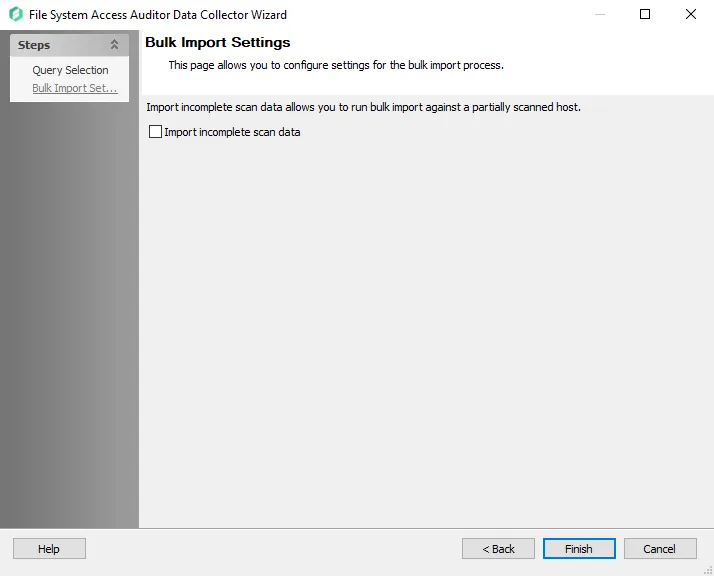
Select the Import incomplete scan data checkbox to enable imports of partial scan data. If the scan stops before successful completion, select this option to bulk import the data from a partially scanned host.