ExchangePS: Scope by Public Folders
Use the Scope by Public Folders page to define specific public folders to search. This page is enabled when you select the Scope by Public Folder option on the Scope page. See the ExchangePS: Scope topic for additional information.
Configure the Scope option using the dropdown. The available options are:
- Selected Public Folder
- Selected Table
The option selected changes how the public folders are identified for scoping.
Selected Public Folder
The Selected Public Folders scope option retrieves all public folders in the Exchange organization, populating them in the Available list.
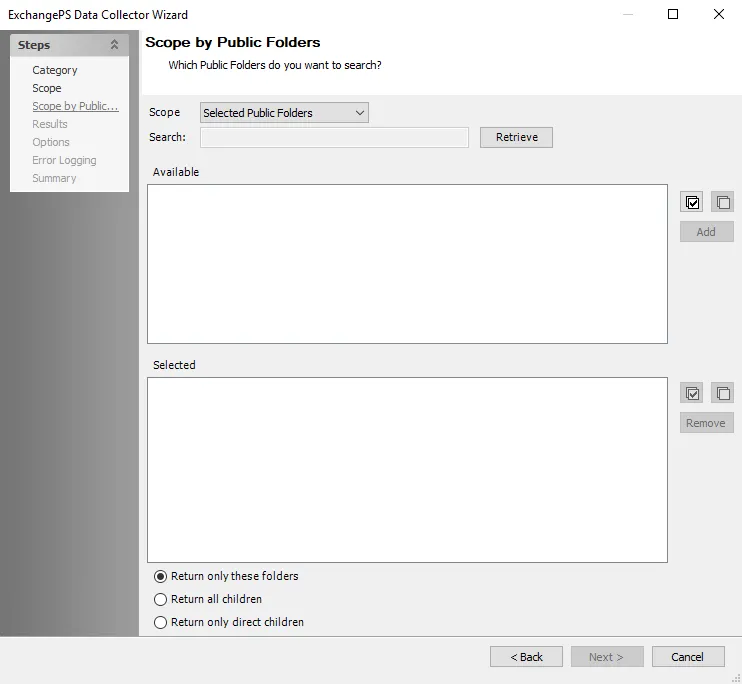
The Search feature filters this list. Select the public folders and click Add to add them to the Selected list. Use the Remove option to delete selected public folders from the list. Use the Select All or Deselect All buttons for quick selection. Additional scoping options include:
- Return only these folders – Audits only the selected public folders
- Return all children – Audits the selected public folders and all sub-folders
- Return only direct children – Audits the selected public folders and one folder deeper
Selected Table
The Selected Table scope option populates the Available tables list with tables from the Access Analyzer database.
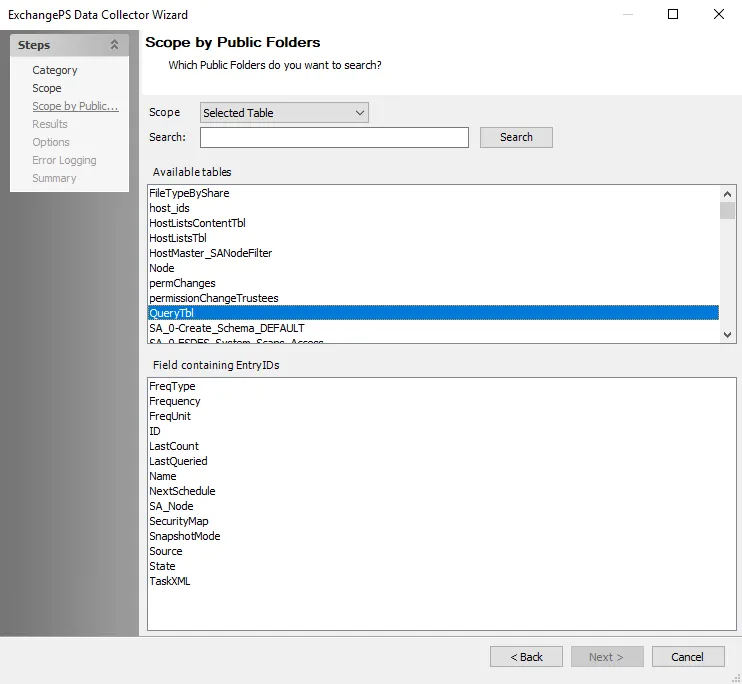
The Search feature filters this list. Select the table that houses the list of public folders for which this query will be scoped. The Field containing EntryIDs list is populated with columns from the selected table. Select the appropriate column from the list.