ExchangePS: Scope by Mailboxes
Use the Scope by Mailboxes page to define specific mailboxes to search. This page is enabled when you select the Scope by Mailbox Target Host: Local Host option on the Scope page. See the ExchangePS: Scope topic for additional information.
When using the applet, the data collector will return mailboxes for the Exchange Forest in which the Access Analyzer Console resides, and only return information about those mailboxes. For Remote PowerShell, the data collector will return mailboxes for the Exchange Forest as well as return information about those mailboxes.
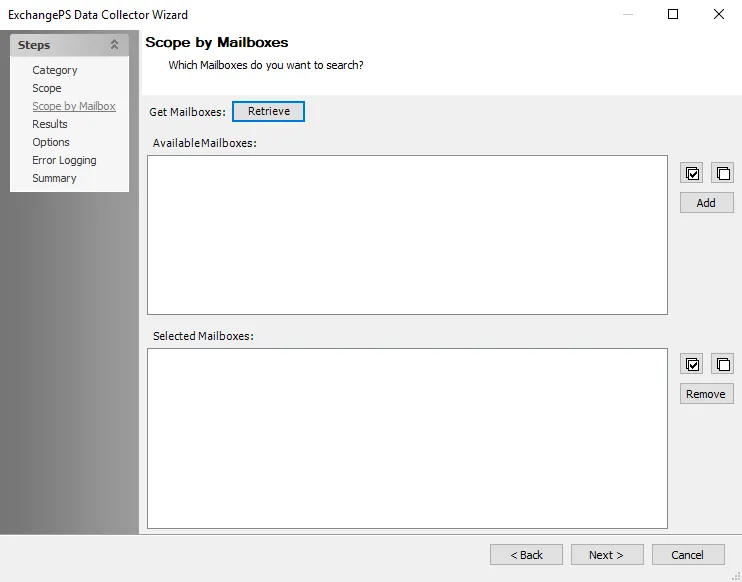
Click Retrieve to return all mailboxes in the Exchange Organization and populate them in the Available Mailboxes list. Select desired mailboxes from the Available Mailboxes list and click Add to add them to the Selected Mailboxes list. To remove undesired mailboxes from Selected Mailboxes, select them and click Remove. Use the Select All and Clear All buttons for quick selection.