ExchangeMailbox: Properties
Use the Properties page to select the properties to gather. The available properties depend on the category selected. It is a wizard page for all of the categories.
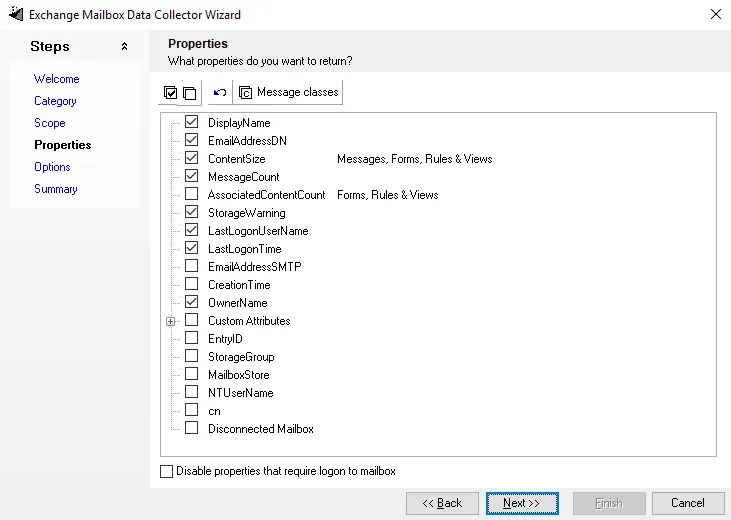
Select properties individually, or use the Select All, Clear All, and Reset All buttons. Access Analyzer gathers all selected properties. Click Message Classes to open the Message classes filters window.

The wildcard (*) returns all message class filters. Enter the name of the class filter and click
Add to add it to the list. Delete will remove the selected class filter from the list. The
Load defaults option will restore the class filter default settings.