EWSMailbox: Scope Select
Use the Scope select page to select specific mailboxes to scan. This page is part of the wizard for all categories when you select the Select mailboxes from list option on the EWSMailbox: Scope page.
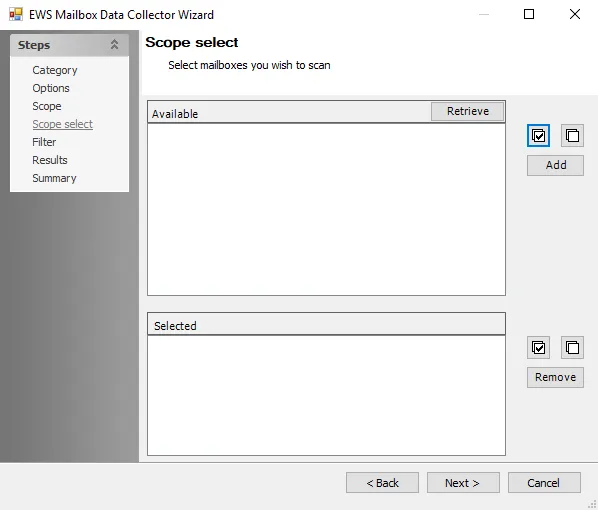
Use the following options to scope the scan to specific mailboxes:
- Retrieve – Loads the list of mailboxes available for scanning in the Available box
- Add – Select mailboxes from the Available list and click to add them to the Selected box for scanning
- Select All – Selects all mailboxes in the list
- Deselect All – Deselects all selected mailboxes from the list
- Remove – Select mailboxes from the Selected box and click to remove them from the list