DropboxAccess: Scan Options
Use the Scan Options page to authorize Access Analyzer to generate an Access Token allowing the DropboxAccess Data Collector to access and scan an organization’s Dropbox environment. The Connection Profile uses the Access Token as its credential.
You only need to generate the Access Token once, before the first job that uses the DropboxAccess Data Collector in a query.
The Scan Options page is a wizard page for the following categories:
- Scan Dropbox Access
- Scan for Sensitive Content
To create the Access Token:

Step 1 – Click the Authorize button to access the Dropbox Authentication page.
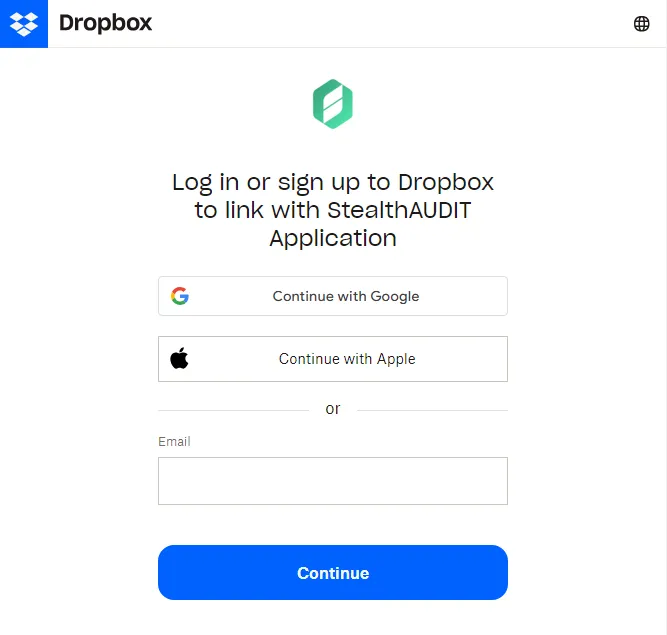
Step 2 – On the Dropbox Authentication page, log in as the Team Administrator.
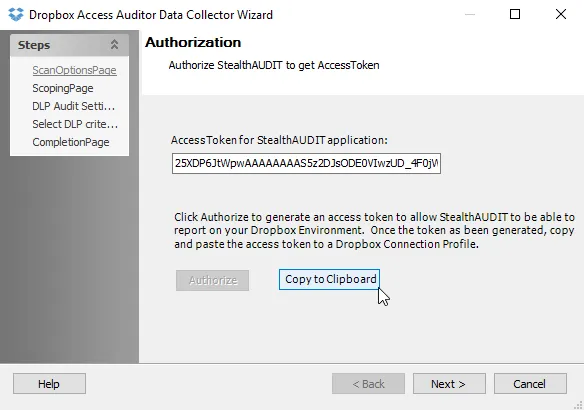
Step 3 – After Dropbox generates the Access Token, click Copy to Clipboard. Click Next to finish choosing the configuration options or click Cancel to close the Dropbox Access Auditor Data Collector Wizard.
Create a Connection Profile using this access token as the credential. See the Custom Dropbox Connection Profile & Host List topic for additional information on configuring the Dropbox credential.
Assign this Connection Profile to the job group or job that targets the Dropbox environment.