Box: Exclusions Page
Use the Exclude or Include folders page (ExclusionsPage) to limit the scan to include or exclude folders within the Box Enterprise. It is a wizard page for the Scan Box Permissions category.
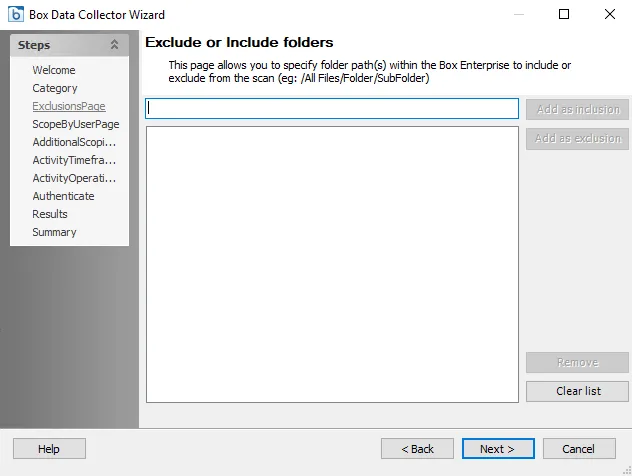
The options on the Exclusions Page are:
-
Add as inclusion – Enter the path of a folder in the text box to include in the scan. The folder path must not include a slash at the end.
- Example format:
/All Files/Folder/SubFolder - Incorrect format:
/All Files/Folder/SubFolder/
- Example format:
-
Add as exclusion – Enter the path of a folder in the text box to exclude from the scan
The Remove option will delete a selected folder from the list. The Clear List option will remove all folders from the list.